
Zoey offers a 14 day free trial when you sign up. When your trial is over, or you're ready to make your store live -- subscribing is simple!
| 1 | Click Upgrade Now |
| 2 | Select a plan |
| 3 | Add store and billing information |
Step 1 - Click Upgrade Now
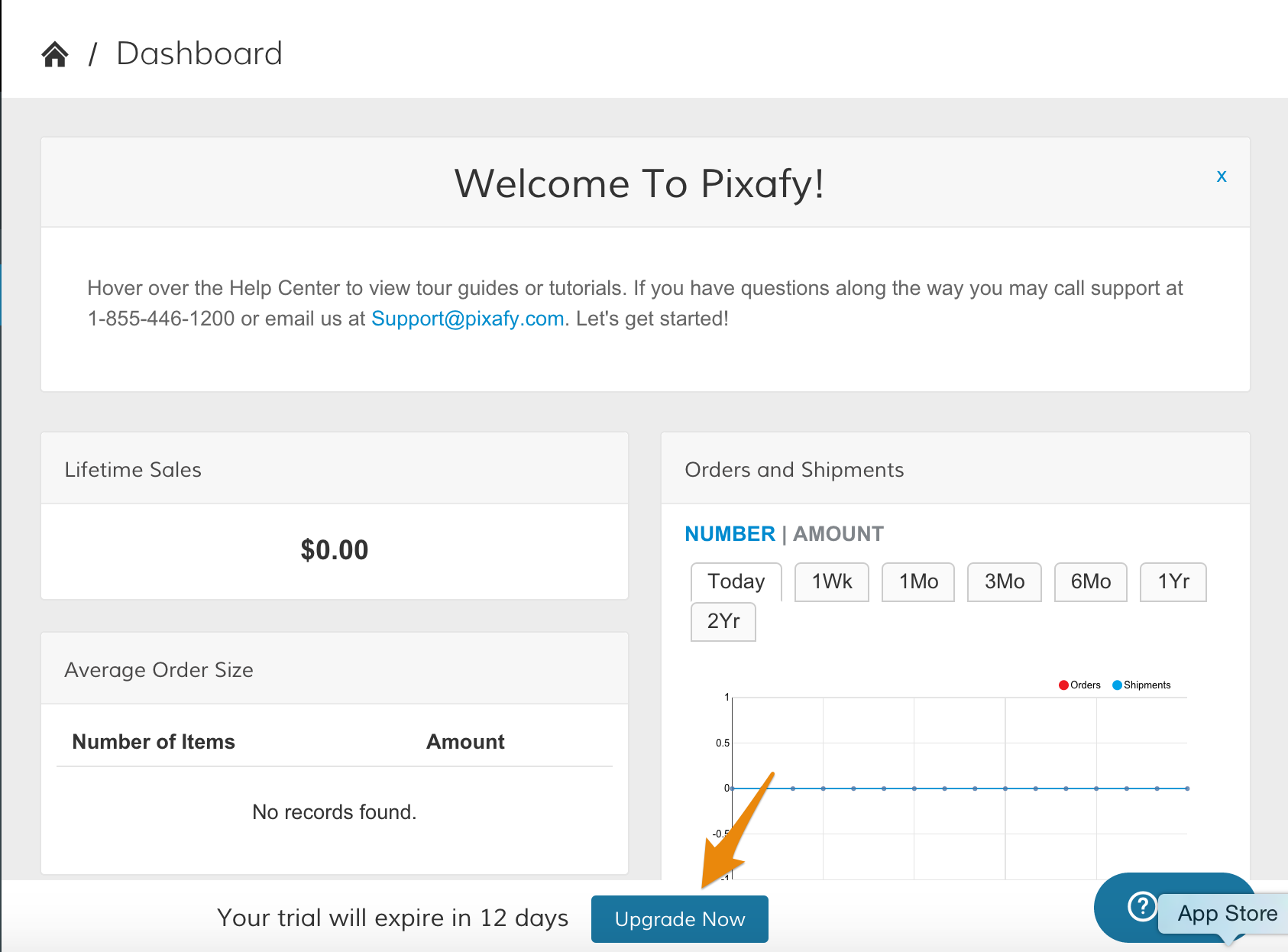
While your site is in trial mode, a banner notifying you of the time left on your trial will appear at the bottom of your settings at all time. Click Upgrade Now to begin the subscription process.
Step 2 - Select a plan
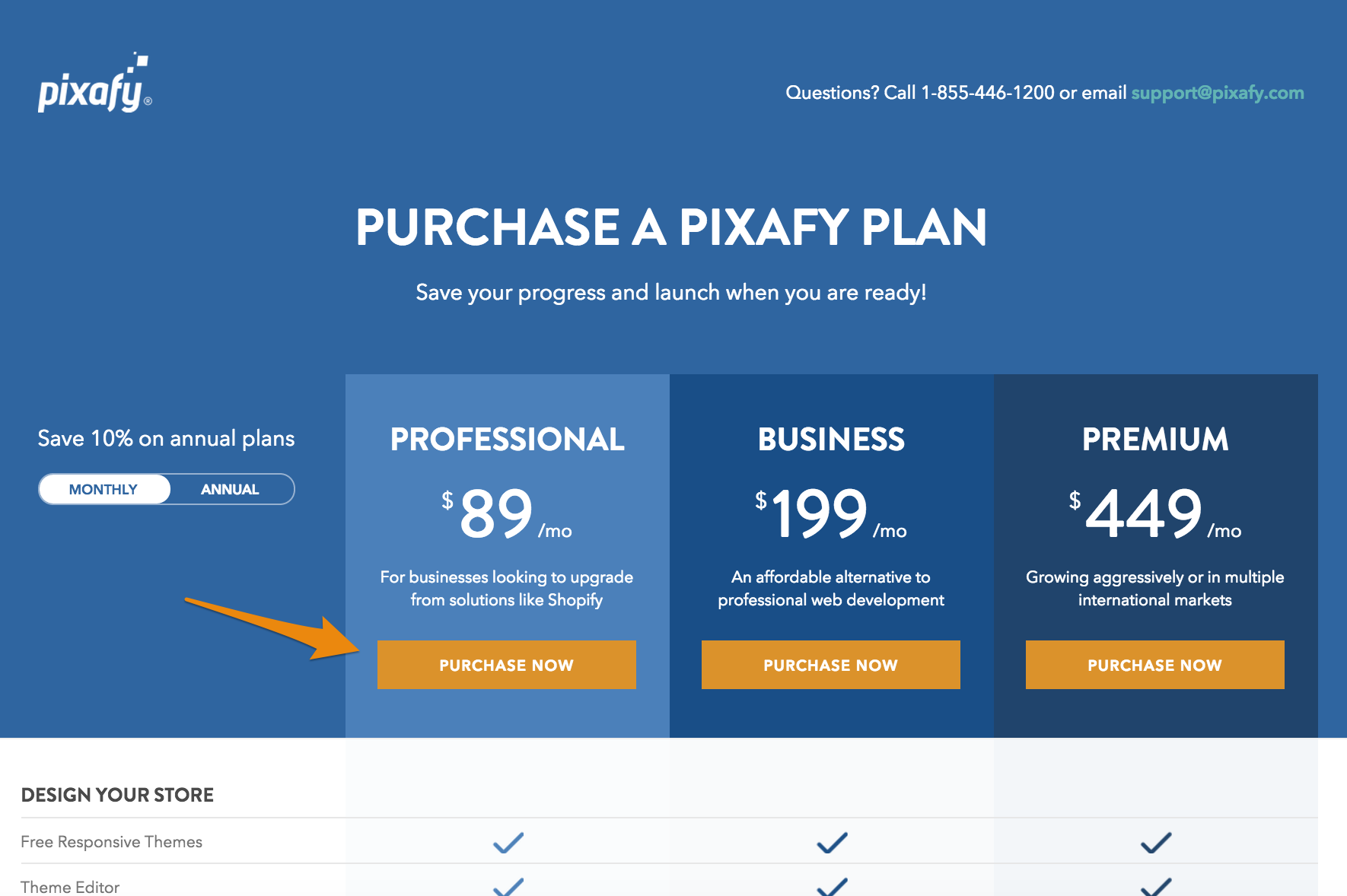
From here, select a Zoey plan and review the various features available at each level. We have three subscription levels:
- Professional
- Business
- Premium
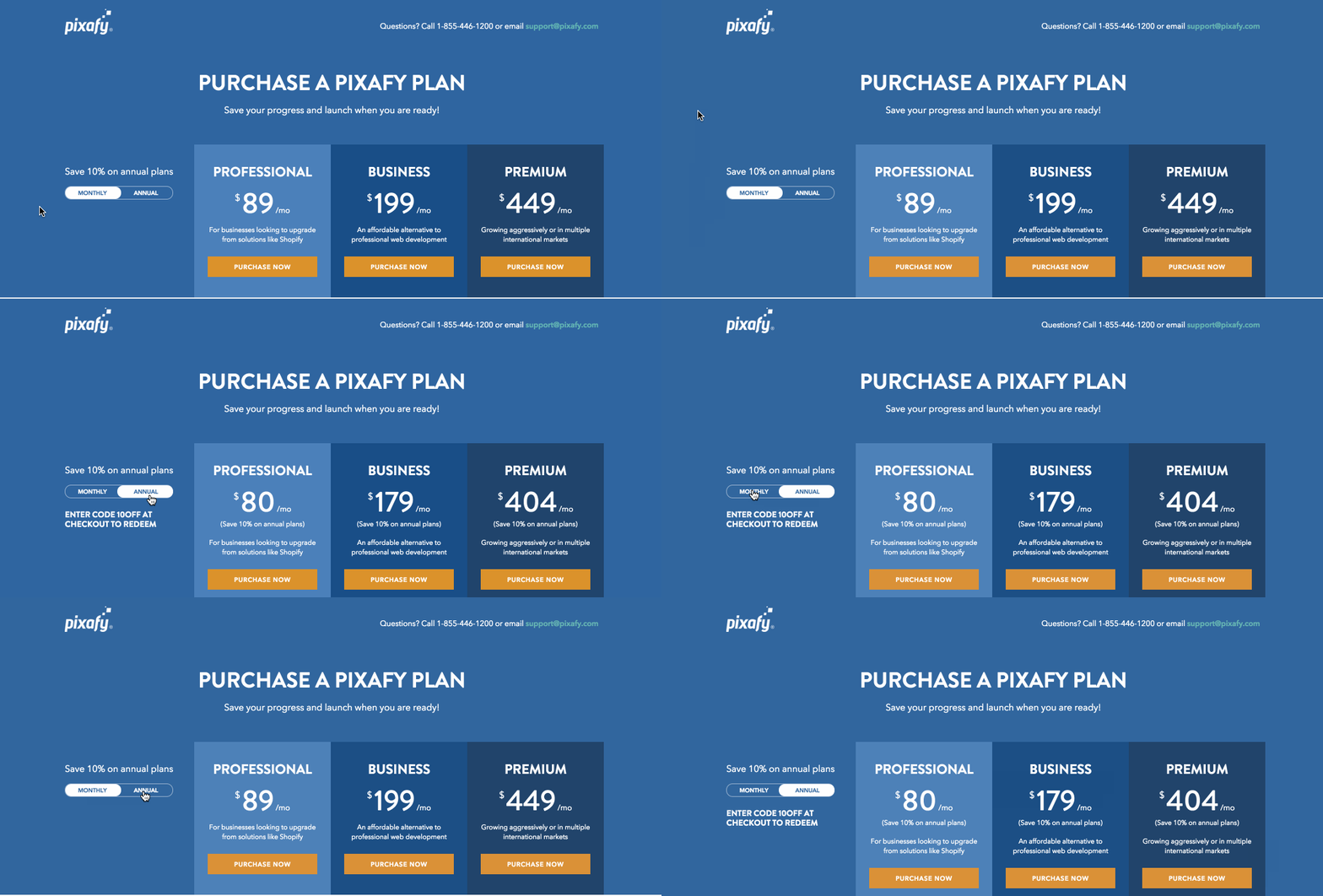
You can subscribe month-to-month, or pay for a year up front at a lower monthly rate. Click the Monthly/Annual toggle to compare your pricing options.
After deciding on a plan, click the corresponding Purchase Now icon.
Step 3 - Add store and billing information
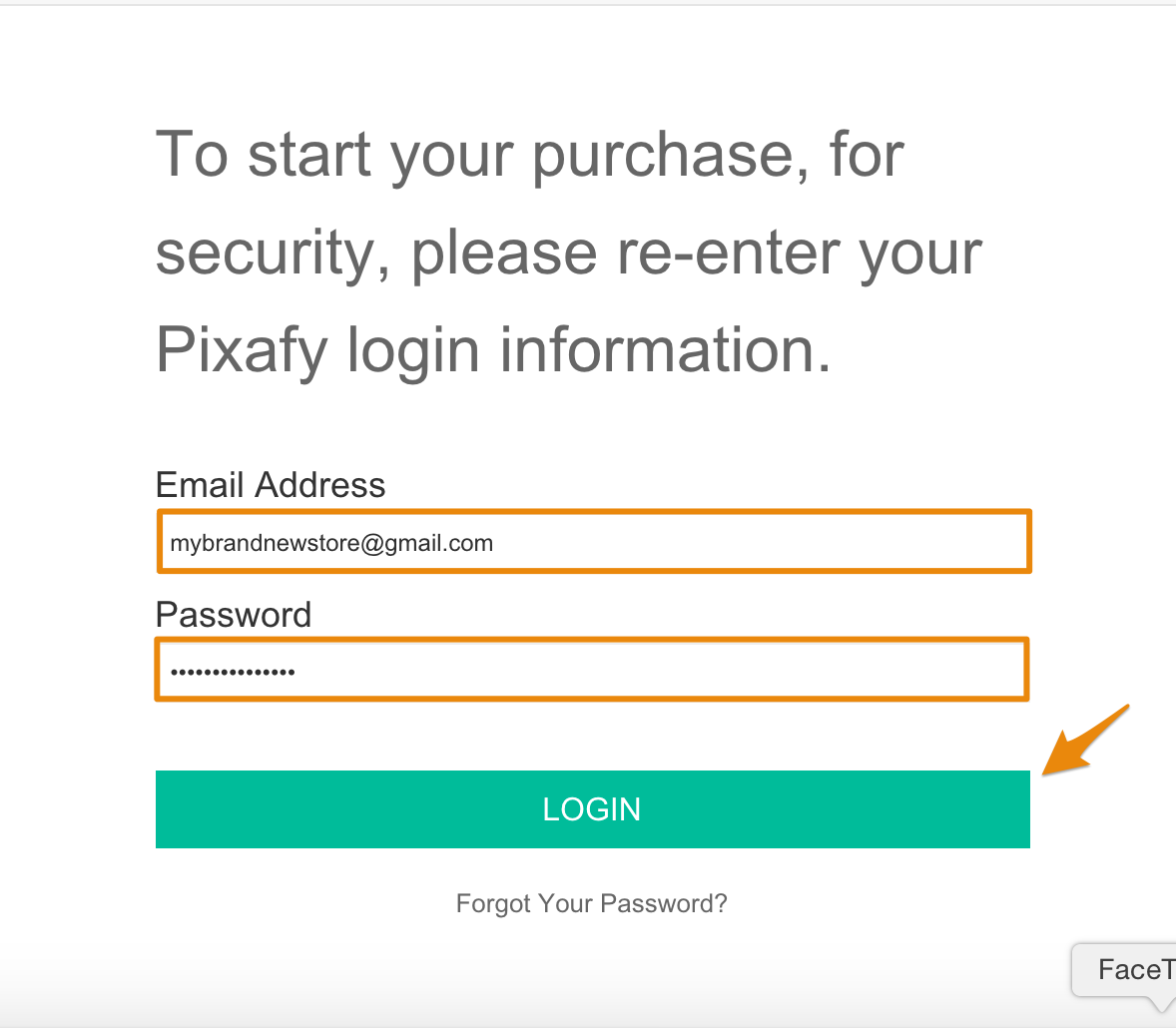
After selecting a subscription plan, you will be prompted to login to your store. Enter your email and password associated with store, then click Login.
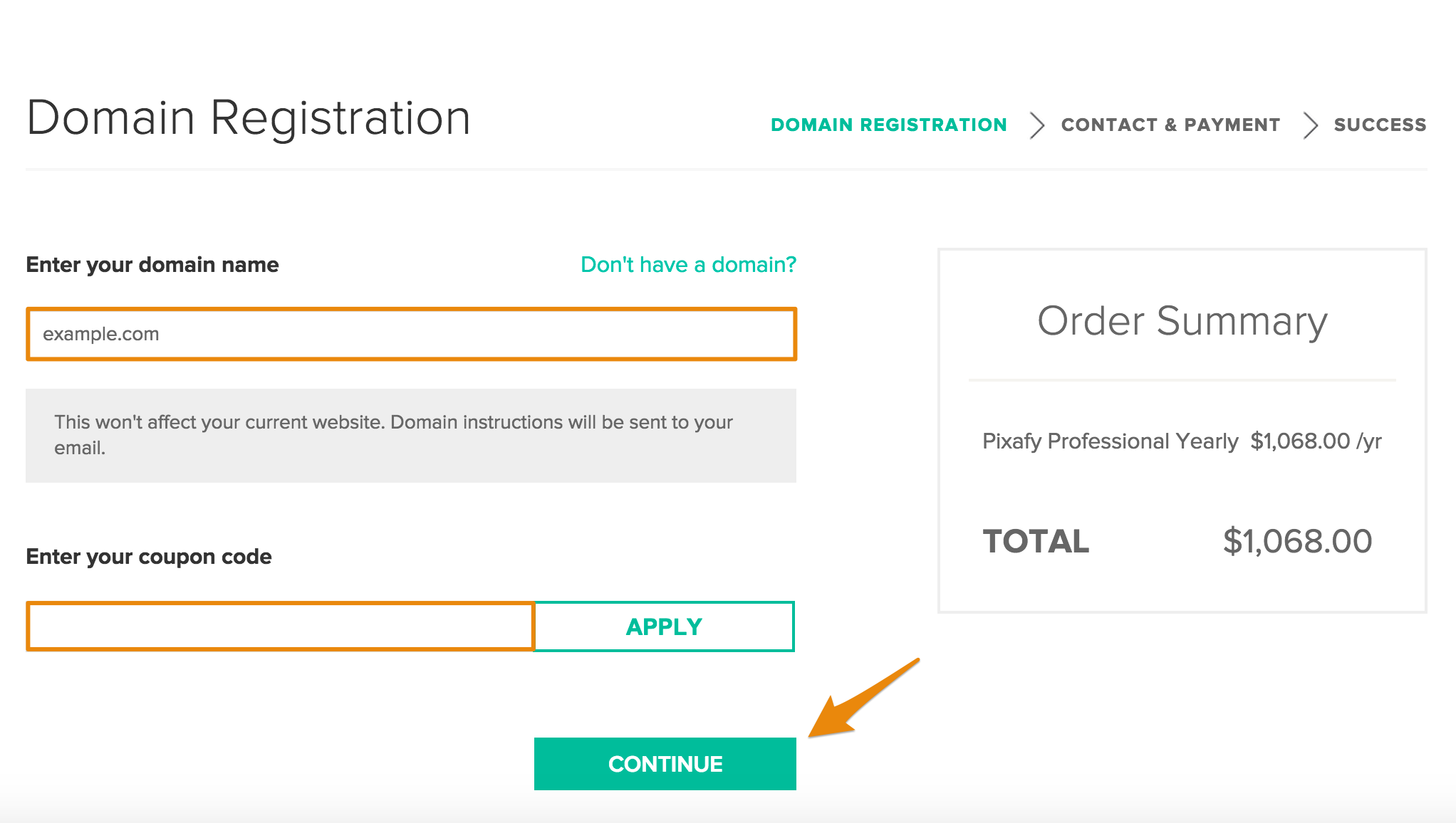
Add your store domain. If you have a coupon, you can enter it in the coupon field, then click Apply. Then, click Continue.
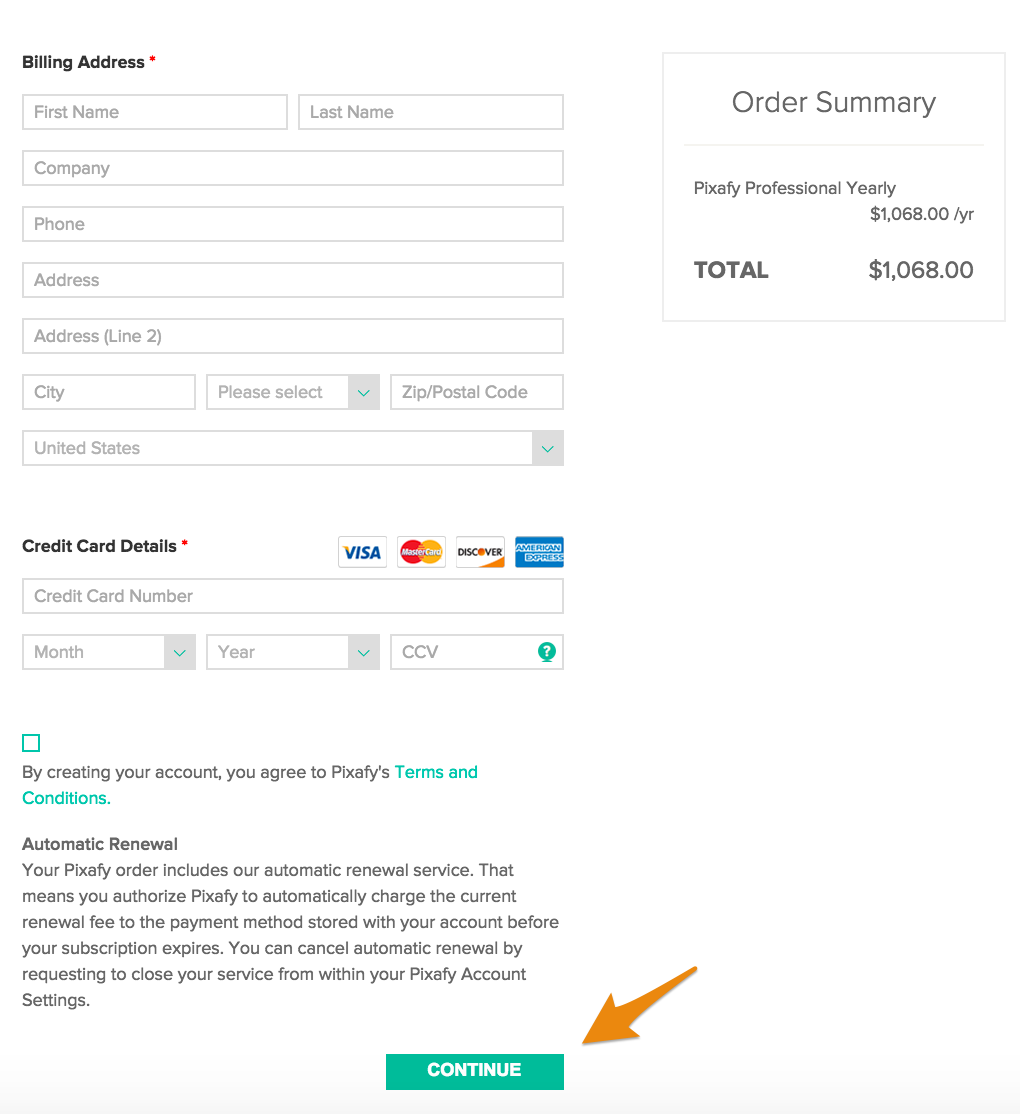
Enter in your billing address and credit card information to pay for your Zoey subscription. When you finish entering your billing information, click Continue.
Comments
0 comments
Please sign in to leave a comment.