
While you are working on your store, you may have some questions about how to accomplish a goal or where to go next! There's a way for every type of learner to find out more about Zoey and our tools.
Please note that if you are working with one of our Partners, they may be able to assist you best as they know your goals and what you've already done on your store!
Click here for more information about Agency Partners
| 1 | Find help straight from your Control Panel |
| 2 | Tutorials |
| 3 | Attend a Webinar |
| 4 | Ask the Community |
| 5 | Ticket Support |
| 6 | Schedule a Phone Call |
Find help straight from your Control Panel
You can now get help straight from your control panel! While you are working on various parts of your site, you may see the following tab in the bottom right corner of your screen:

Click on this tab to bring up relevant tutorials and videos curated by our team! You can also access our full support center from here in the menu on the left of your control panel.
Support via Tutorials
For guides on all our features, tools and information on our latest releases, check out our Knowledge Base! Here you'll find guides written by our experts based on questions we've received from other users. Click on the link in your Control Panel or visit support.zoeycommerce.com
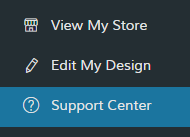
This is also the best way to get support during off hours as this area is available 24/7 and updated regularly with new information.
Attend a Webinar
More of a visual learner? Our support team regularly hosts webinars on a variety of popular topics. Join us for a look at these subjects and ask any questions you have to the presenter in real time!
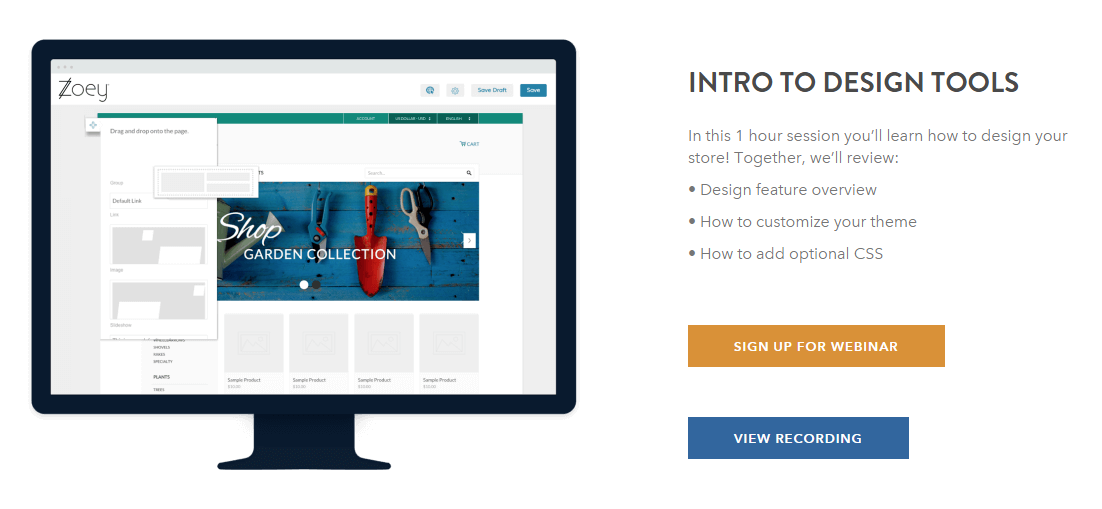
Don't see a time that works for you? You can watch past webinars at any time in our Knowledge Base:
Ask the Community
You can now ask questions to other users as well as submit feature requests through our Support Center! The easiest way to access this is through the link on the top of your support page.

For more information on the Community, please see: Using Zoey Community
Submit a Ticket
If you need a little more help, you can also submit a ticket to our support team. Anyone can create a ticket by clicking on Create a Ticket at the top of this page, or any other Knowledge Base page!

Primary users (the user whose email was used when the account was registered) can sign in to their Zoey account and view past tickets as well.
If you are not the account holder, you can still create a ticket, but you will not be able to log in, just fill in the field with your email address. Secondary users must also be added as an authorized user before they can access support on behalf of their store. Please have the account holder whose email is associated with your store open a ticket and request you (identified by your email) are added as an authorized user.
Remember to check you are using the correct Severity Level for your issue. Issues with the incorrect severity level may experience longer response times as their tickets need to be rerouted to the appropriate team.
Schedule a Phone Call
If you would rather talk to a Zoey Support agent, you are now able to book a phone appointment. To book, please visit zoeysupport.appointy.com or Book through our Support Center- both pages will give you the same information and options!
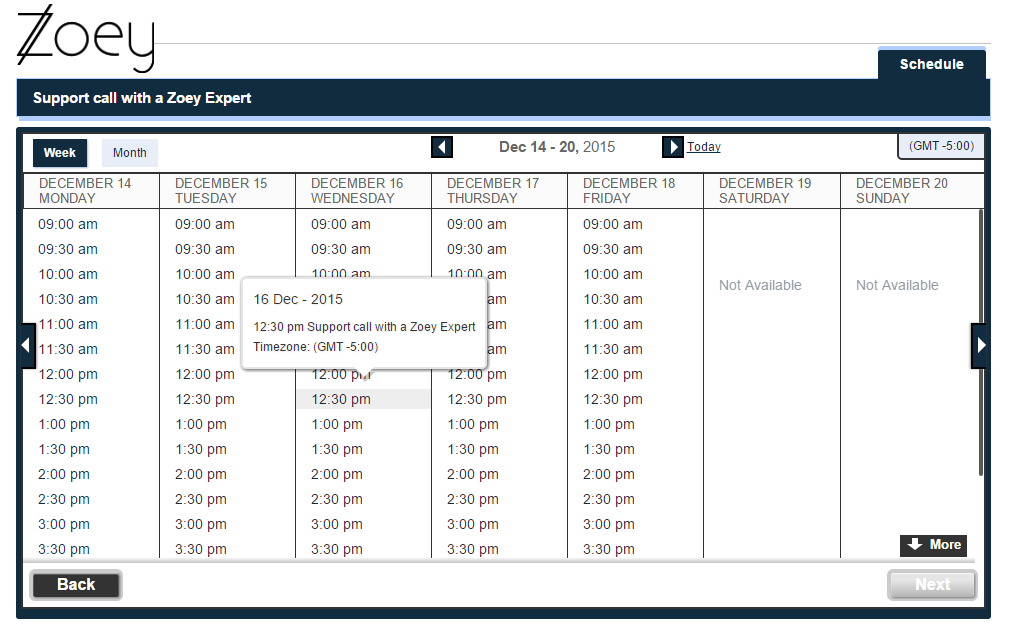
Remember the following when booking a phone appointment:
- Time slots may be reserved as little as 1 hour in advance
- For your convenience the Support Team will call you at the scheduled time.
- Customers can book up to 2 appointments per week
If you have an Urgent issue, the fastest way to get in touch with our team is through creating a ticket.
Comments
0 comments
Please sign in to leave a comment.