
Zoey has launched a new account panel in conjunction with Single Sign On to make it easier for you to access information, additional stores and control permissions for Control Panel users.
| 1 | Accessing your Account Panel and what you will find here |
| 2 | Store Information |
| 3 | Control Panel Users |
| 4 | Billing Information |
| 5 | Learn More |
Accessing your Account Panel and what you will find here
Start by logging in to your Control Panel through login.zoeysite.com
At the top of your left hand menu, click on your Name or Email. In the dropdown menu, select My Account.
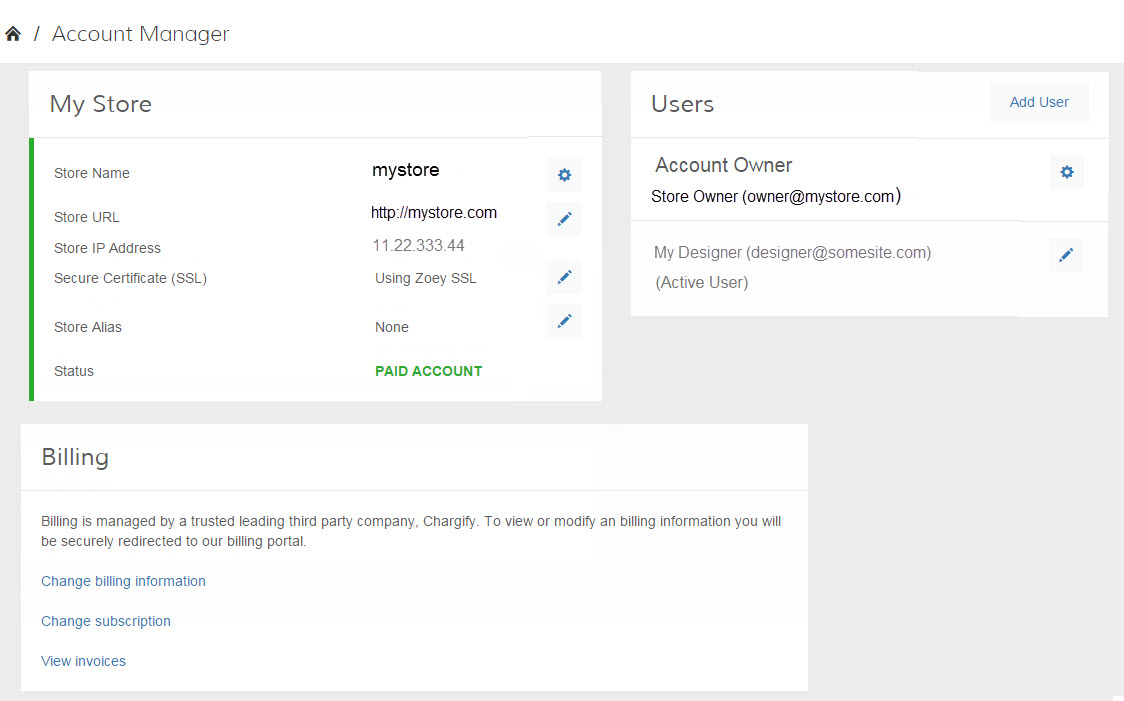
You will now be in the Account Manager which may look a little different depending on if you are the Account Owner or a Secondary User due to your Permissions and Restrictions. If you are the account owner, here is what you will find and be able to edit all of the following areas.
Billing information and Domain changes are restricted to the Account Owner only.
Store Information
Have one store? Have three stores? You will be able to see the Domain information and switch between multiple stores in the My Store area.
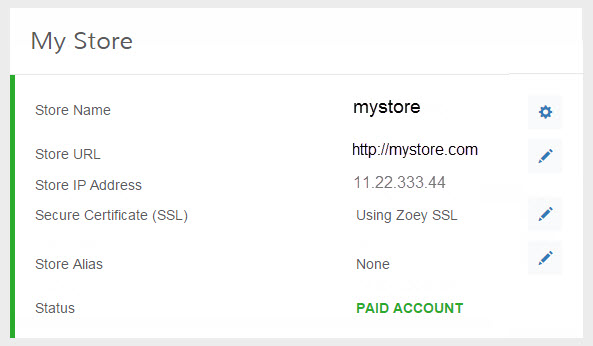
View and if applicable, edit:
- The name of your store
- Your URL and IP Address
- Your SSL certificate
- Store Alias
- Status of your Account
Control Panel Users
You can add additional users to your store and see who has access and what they can access.
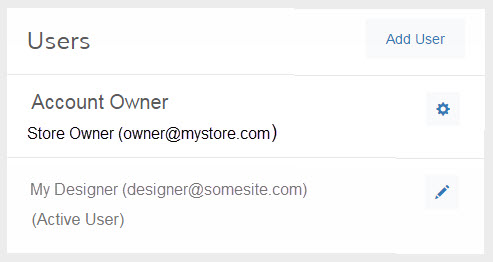
You can:
- Add new users to access your Control Panel
- Edit your name or email
- Edit the permissions of existing Users
Billing Information
For accounting information about your Zoey Account, you can check out these easy to access features.
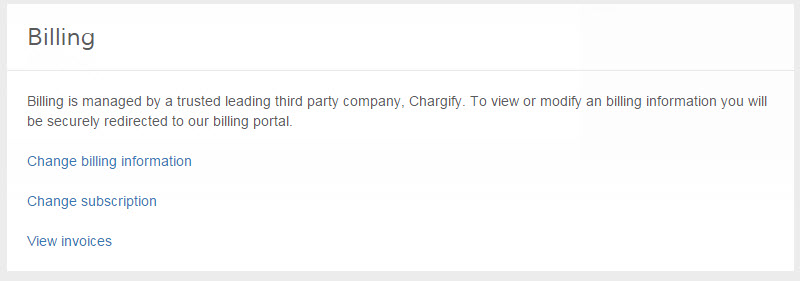
Account Owners will be able to:
- Change your billing information such as address and card number
- Change your Zoey Subscription such as upgrading to unlock more features
- View past invoices for your account
Comments
0 comments
Please sign in to leave a comment.