
Springbot brings powerful, data-based solutions to your Zoey store. Use Springbot to develop fresh insights on your customers behavior when they browse your catalog as well as well as simplify information from your multi-channel marketing tools (social media, online, email, etc). Springbot's intuitive presentation of your information will help you to increase conversions, add traffic, and add revenue.
| 1 | Why Springbot? |
| 2 | Create a Springbot account |
| 3 | Connect Springbot with Zoey |
| 4 | Learn more about Springbot |
Why Springbot?
Springbot integrates with existing marketing channels, working with those platforms to optimize information about your customers.
You can send targeted emails and social media ads based on customer behavior.
Springbot is a Magento Gold Industry Partner. This means they have a strong reputation when working with the core of our ecommerce tools.
Step 1 - Create a Springbot account
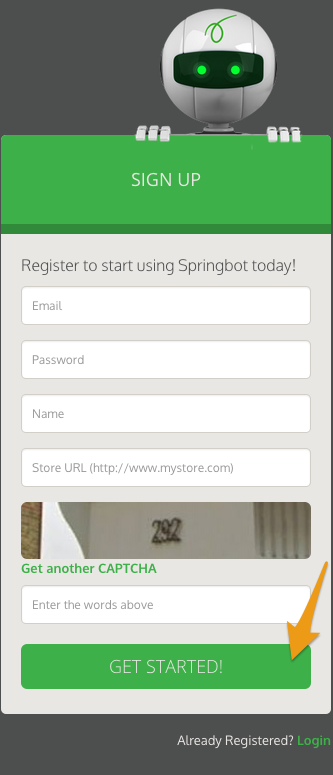
You can sign up for a free trial with Springbot from their website. Enter the requested information, then click Get Started.
Step 2 - Connect Springbot with Zoey
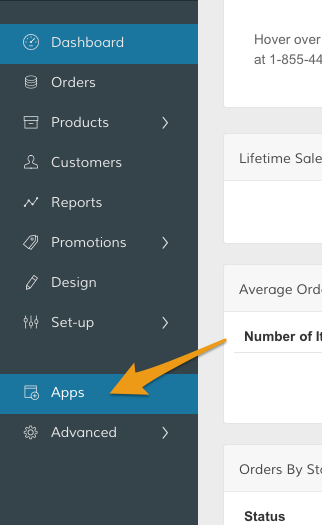
In your Control Panel, select Apps.
From the Apps page, scroll down to Springbot. Within the Connect to Springbot section, click Manage.
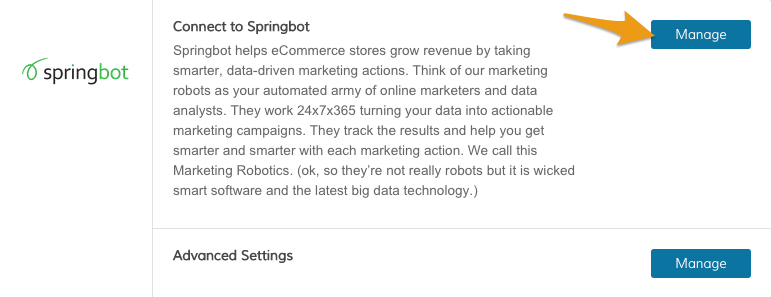
Note: You can adjust your Advanced settings by clicking Manage within the Advanced section.
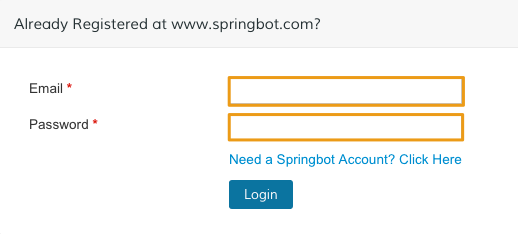
Enter your Springbot credentials, then click Login.
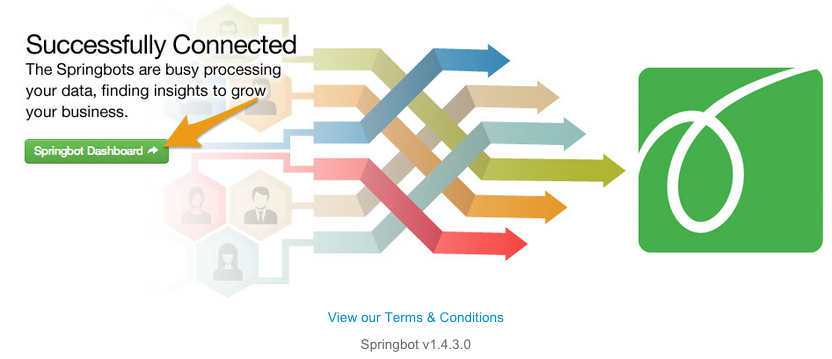
You can continue working with Springbot's tools by clicking Springbot Dashboard.
Learn more about Springbot
If you have any questions about using Springbot, you can contact their support team from here.
Comments
0 comments
Please sign in to leave a comment.