
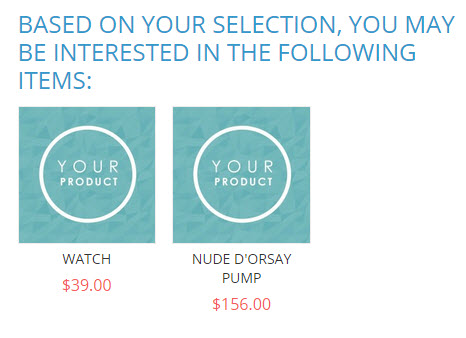
Cross-sells display after a product has already been added to the shopping cart. Up to three of your selected cross-sell products are shown at random to customers when view their shopping cart.
| 1 | Before you begin |
| 2 | Visit Cross-sells settings |
| 3 | Add Cross-sells |
| 4 | Save and refresh |
Before you begin
- Cross-sells configuration is located in our product settings. We recommend reviewing our product creation guide.
- Cross-sells are similar to Related Products because they display a selection of items you want to recommend your customers purchase. However, while Related Products display in the Product Information area, Cross-sells display in the shopping cart.
Step 1 - Visit Cross-sells settings
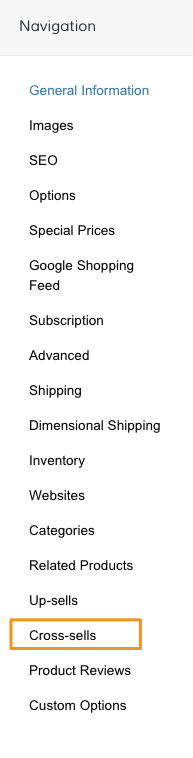
From your product Navigation, select Cross-sells.
Step 2 - Add Cross-sells
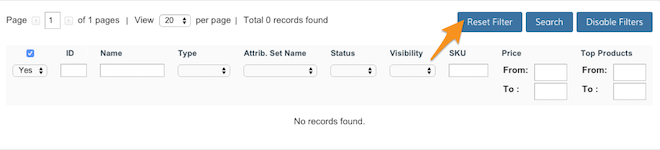
Click Reset Filter to view your full product catalog.
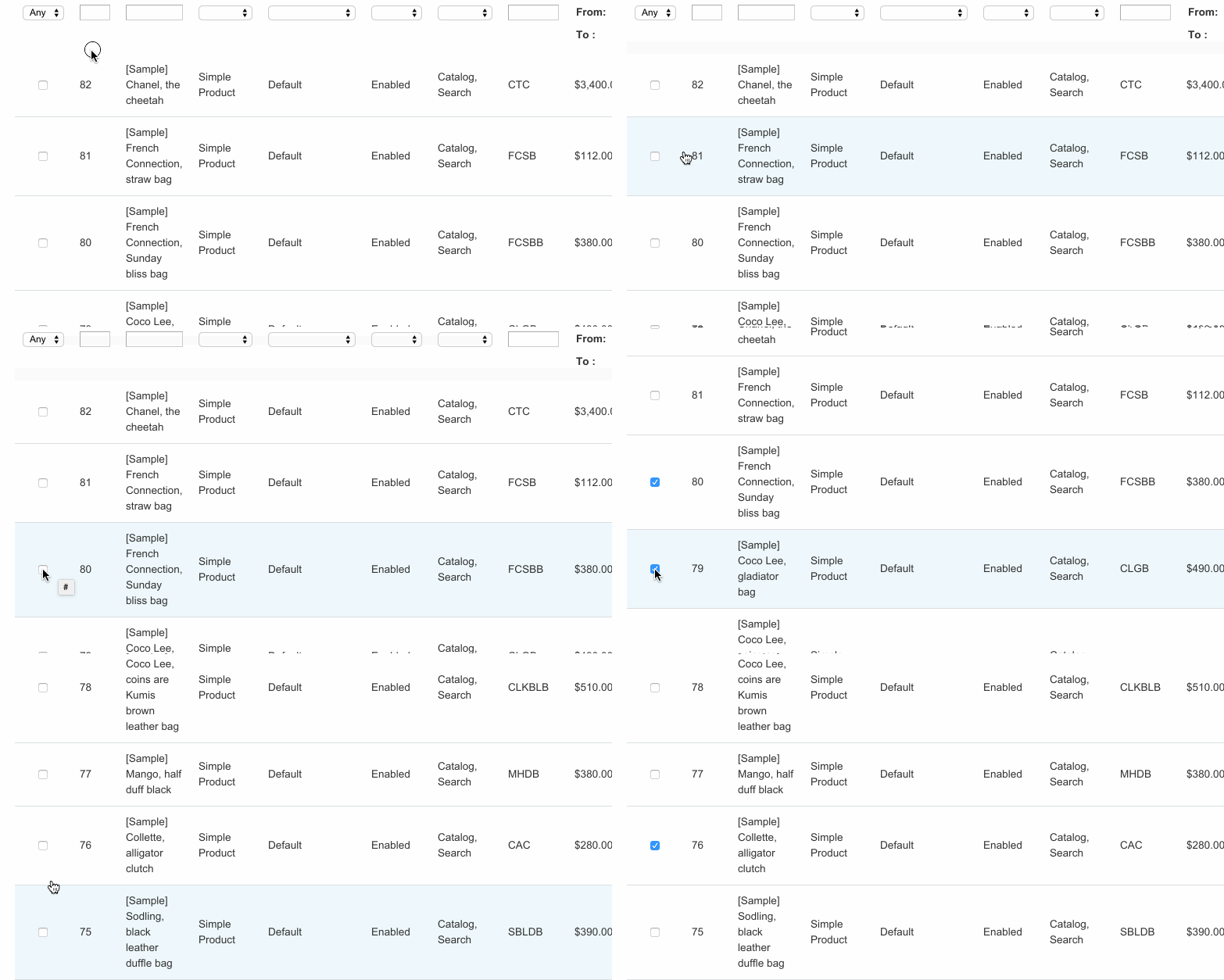
From here, select the products you want to display as Cross-sells.
Step 3 - Save and refresh
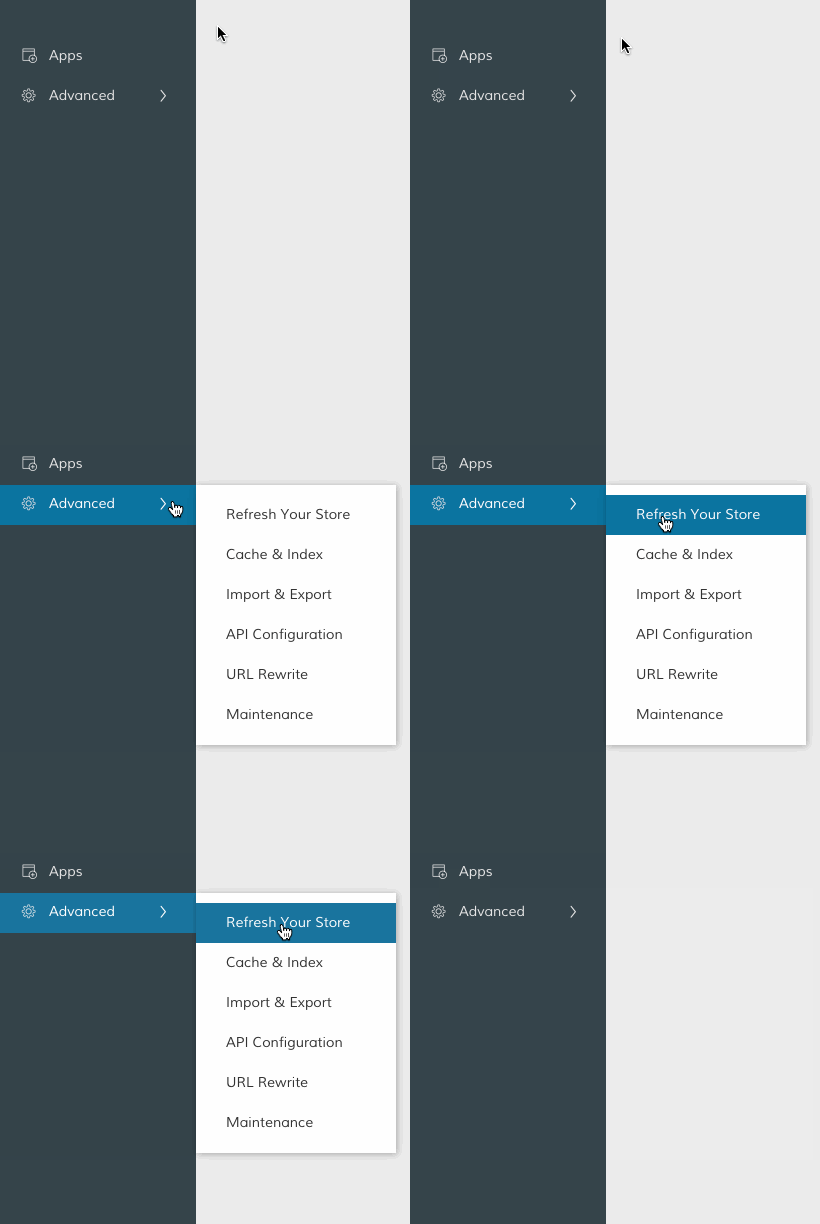
After selecting your cross sells, click Save in the top right corner. Then, in your Control Panel, hover your cursor over Advanced and click Refresh.
That completes the process! Now, you can view your cross-sells from the frontend.
Comments
0 comments
Please sign in to leave a comment.