
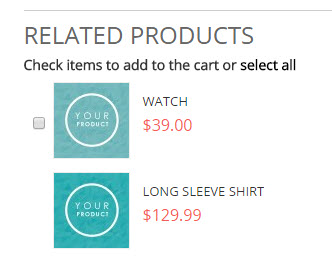
Related Products are a selection of products you designate as being similar to a product your customer is viewing. They appear in the product info area. Use Related Product to suggest purchases relevant to your customer.
| 1 | Before you begin |
| 2 | Visit Related Products settings |
| 3 | Add related products |
| 4 | Save and refresh |
Before you begin
Our Related Products options are located in our Product settings. We recommend reviewing our product creation guide.
Step 1 - Visit Related Products settings
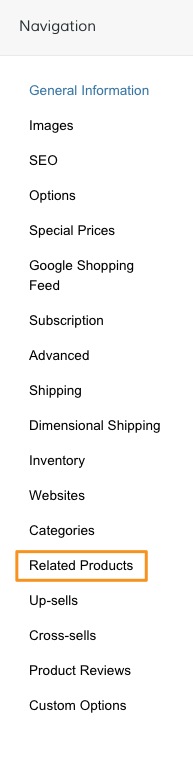
From your product Navigation, select Related Products.
Step 2 - Add related products
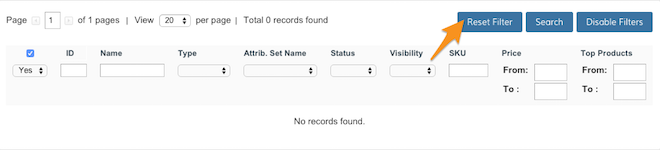
Click Reset Filter to view your full product catalog.
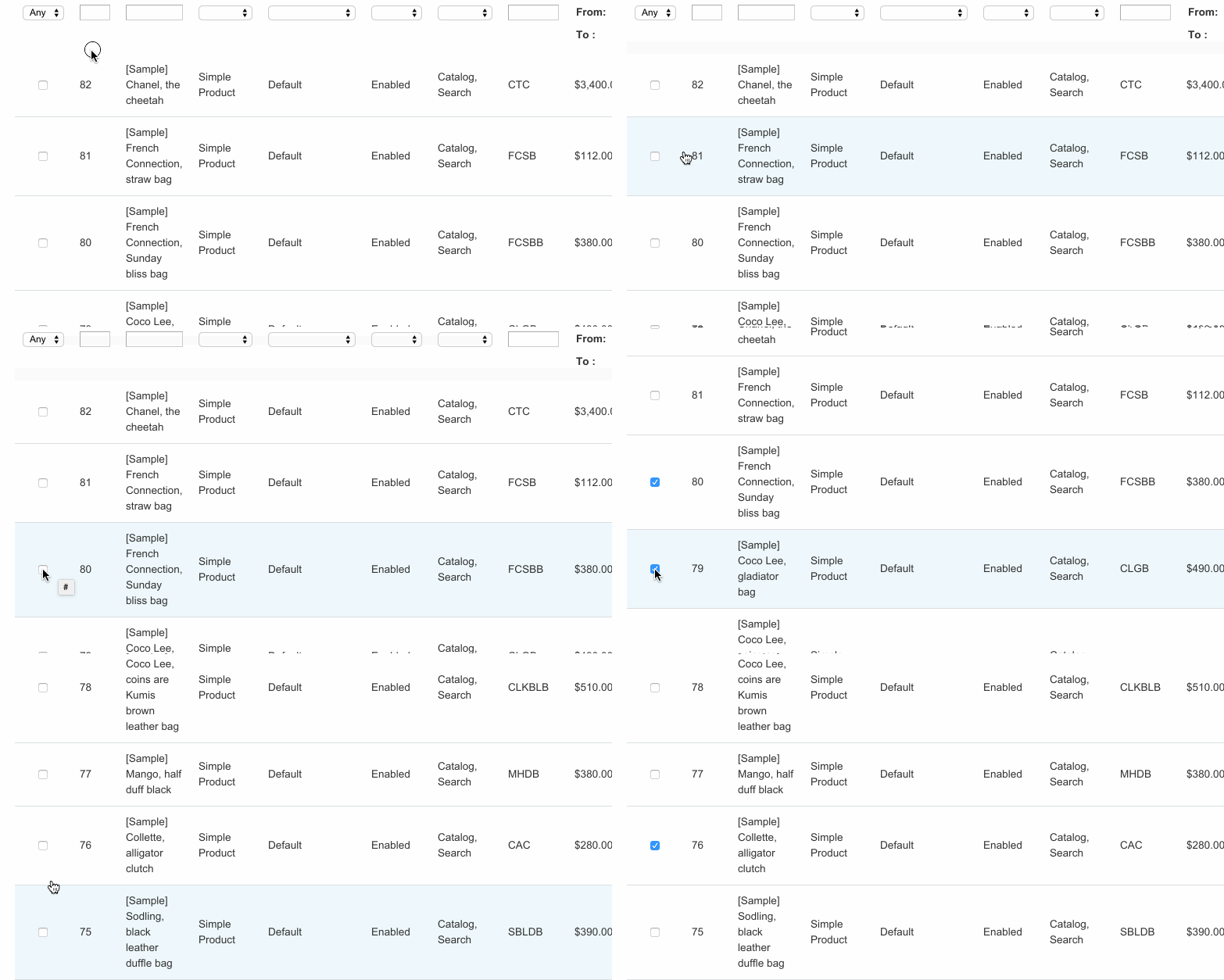
From here, select the products you want to display as Related Products.
Step 3 - Save and refresh
After selecting your Related Products, click Save in the top right corner. Then, in your Control Panel, hover your cursor over Advanced and select Refresh.
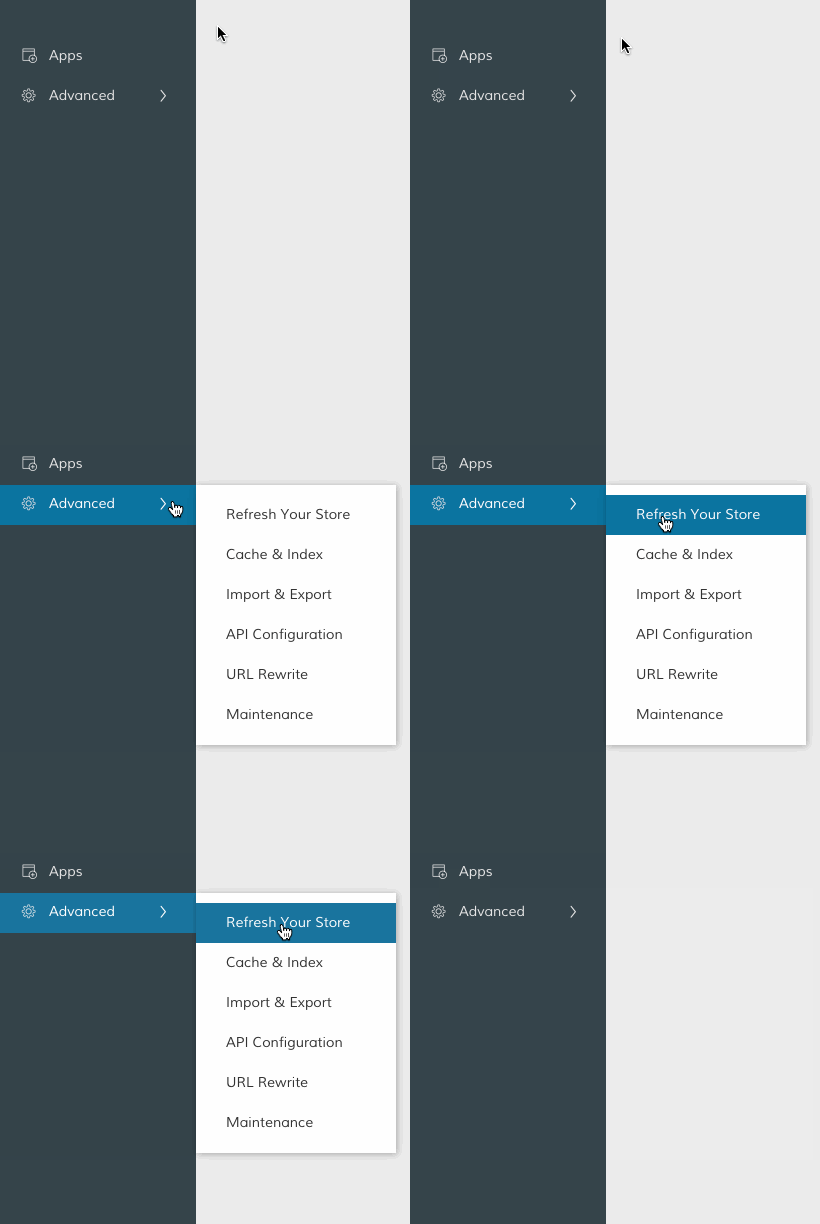
That completes the process! Now, you can view your Related Products from the frontend.
Comments
0 comments
Please sign in to leave a comment.