
Up-sells are suggested products intended as an upgrade of a product your customer is viewing. They benefit the customer as a higher quality item while providing your business with a higher profit margin. Up-sells appear to customers in the Product Info section.
| 1 | Before you begin |
| 2 | Visit Up-sells settings |
| 3 | Add Up-sells |
| 4 | Save and refresh |
Before you begin
Up-sells configurations are located in our Product settings. We recommend reviewing our product creation guide.
Step 1 - Visit Up-sells settings
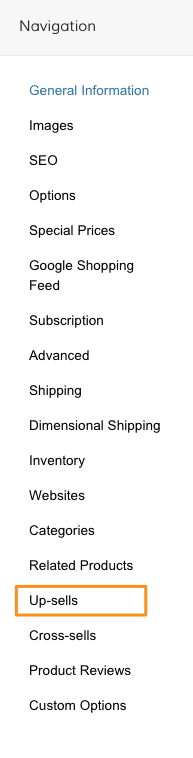
From your product Navigation, select Up-sells.
Step 2 - Add Up-sells
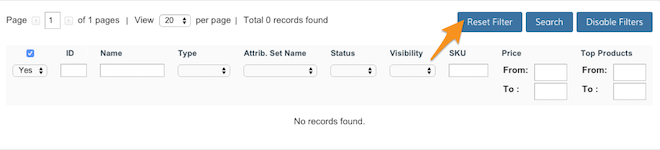
Click Reset Filter to view your full product catalog.
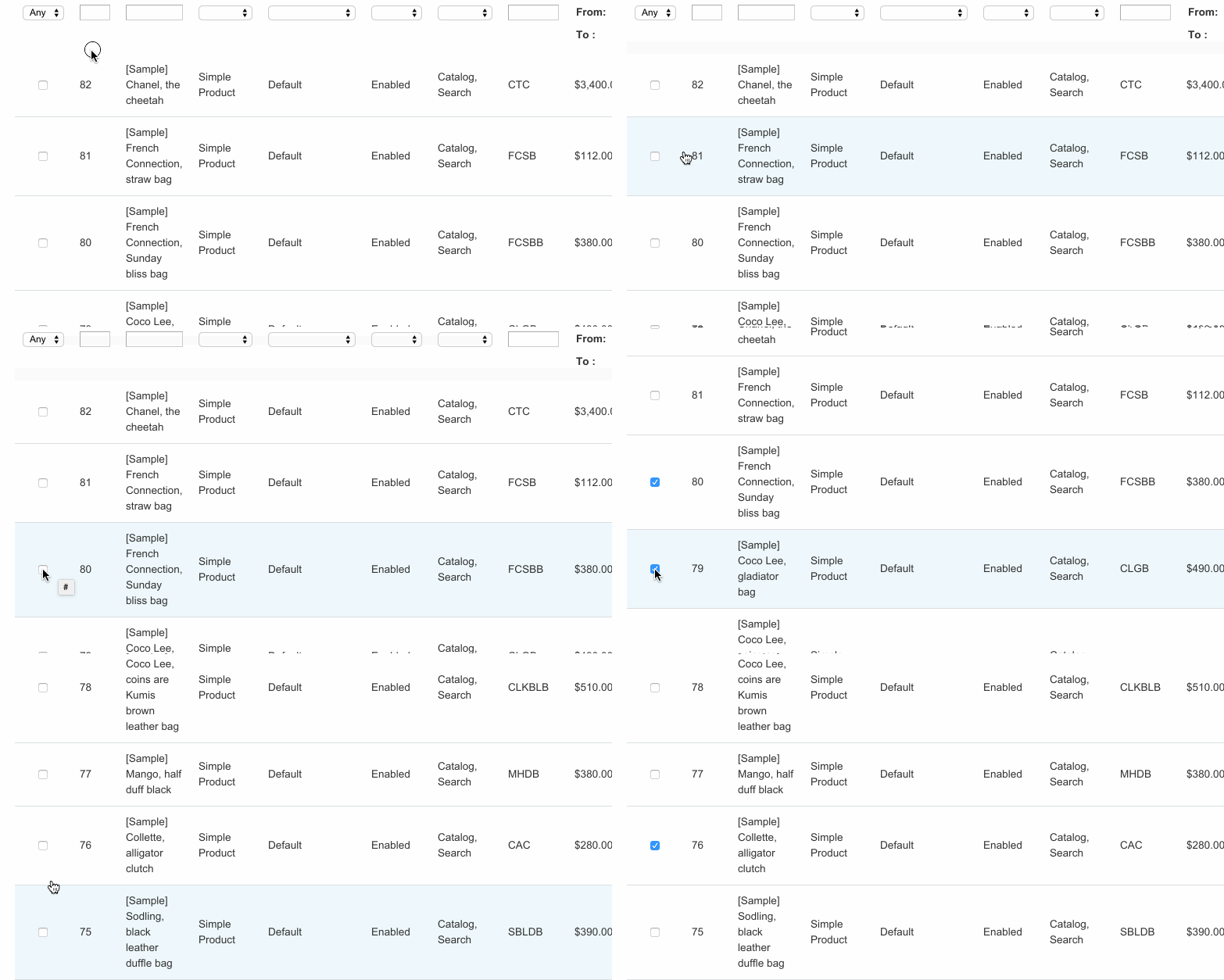
From here, select the products you want to display as Up-sells.
Step 3 - Save and refresh
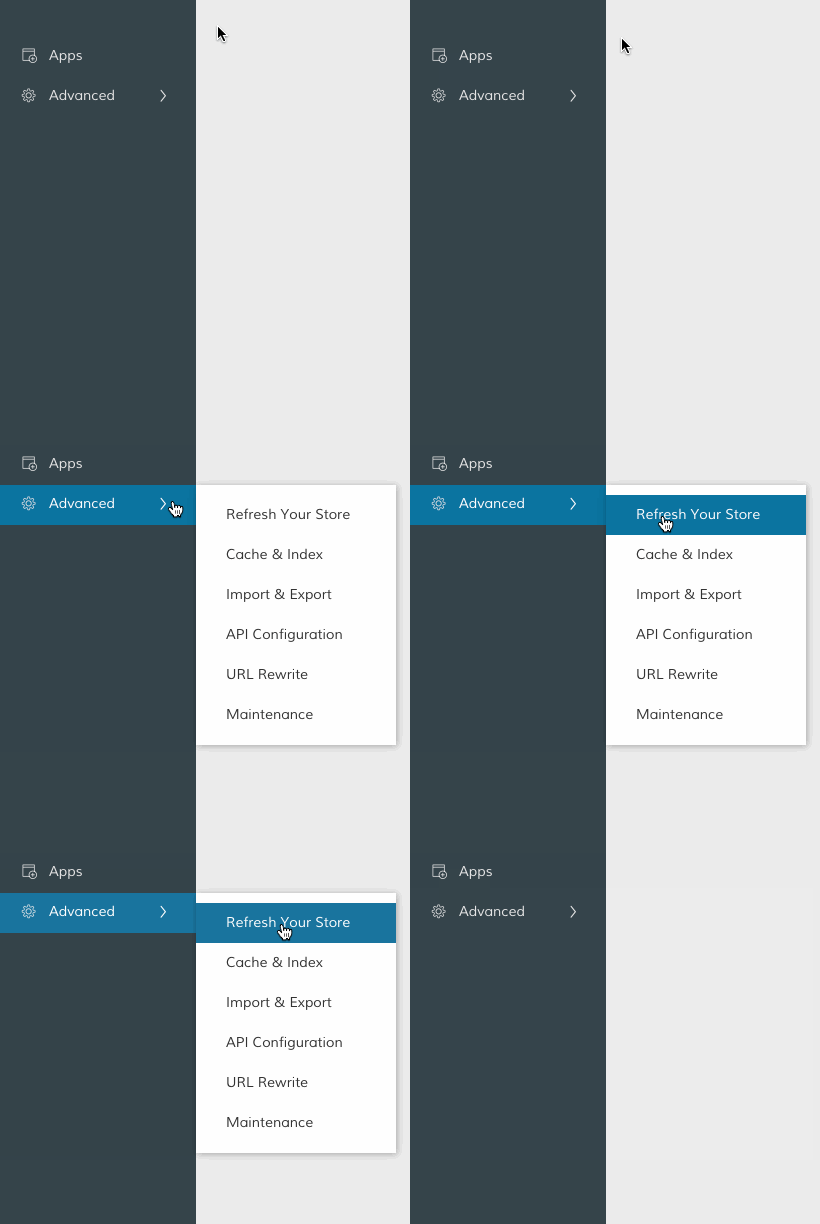
After selecting your Up-sells, click Save in the top right corner. Then, in your Control Panel, hover your cursor over Advanced and select Refresh.
That completes the process! Now, you can view your Up-sells from the frontend.

Comments
0 comments
Please sign in to leave a comment.