
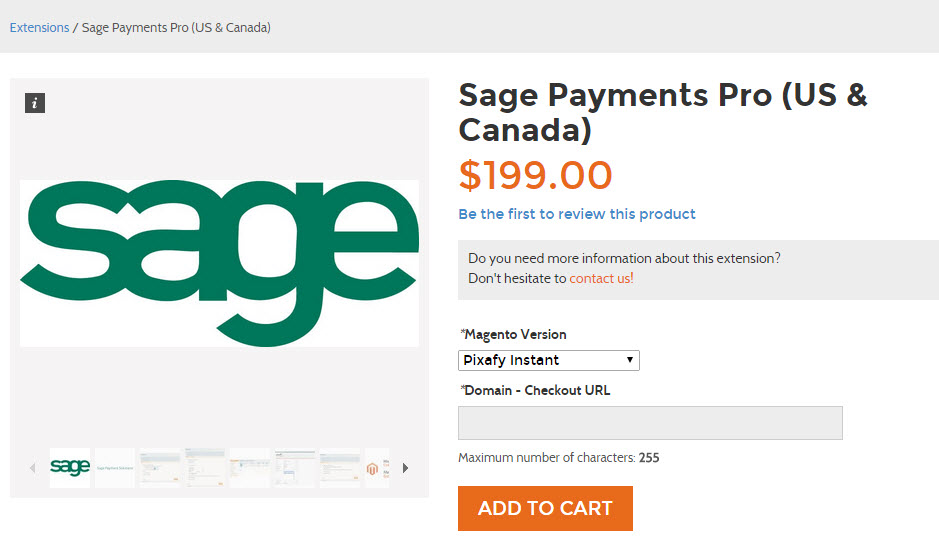
To start setting up your configuration you will need to start by going to ebizmarts' website and purchasing the extension.
Make sure you have Magento Version - Zoey selected and enter the domain you will be using once you go live.
Once purchased, you will receive a License Key from ebizmarts. Log into your Zoey Control Panel and navigate to Set up > Payment. If you have not already begun to set up your payment options you may need to click on "View More Payment Methods" to select Sage Payments and "Add Payment Methods".
Click on Set Up to continue. Here you will choose:
- Enable - Are you giving customers this option?
- Title - During Checkout what will this option be called
- License Key - Obtained from ebizmarts after purchasing the modual
- Merchant ID (M_ID) & Merchant Pass (M_KEY) - Your SagePayments credentials.
- Minimum Order Total - Show this payment method only if order total exceeds the value you enter here, if nothing is entered the method will be always shown.
- Maximum Order Total - Show this payment method only if order total is lower than the value you enter here, if nothing is entered the method will be always shown.
Comments
0 comments
Please sign in to leave a comment.