
AfterShip is a web-based product designed for simple, consolidated order tracking. It's an excellent tool for online merchants seeking to efficiently monitor shipments with a wide variety of couriers.
What can I do with AfterShip?
- Track shipments with over 275 couriers worldwide in one place.
- Receive delivery update notifications via email, SMS and Webhook.
- Easy access to shipment information with iOS and Android app.
Step 1 - Generate AfterShip API Credentials
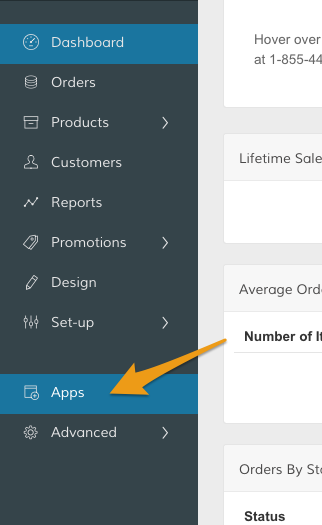
In your Control Panel, select Apps.
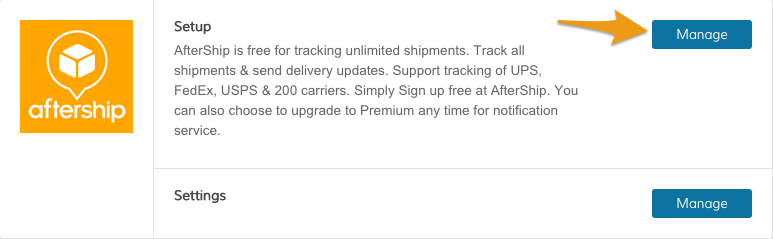
Then, in the Apps page, scroll to AfterShip. In the Setup section, click Manage.
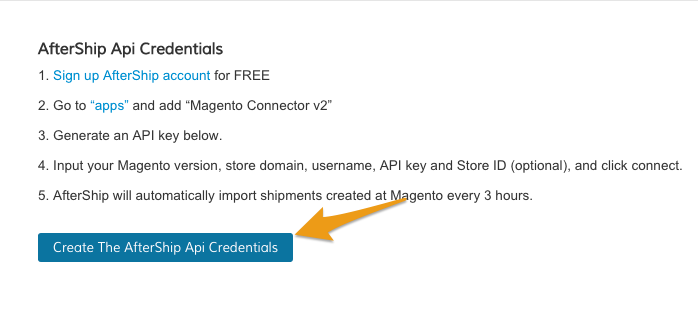
When you're ready, click Create The AfterShip API Key. This will generate API credentials that you will use in AfterShip to finalize the connection.
Step 2 - Enable AfterShip
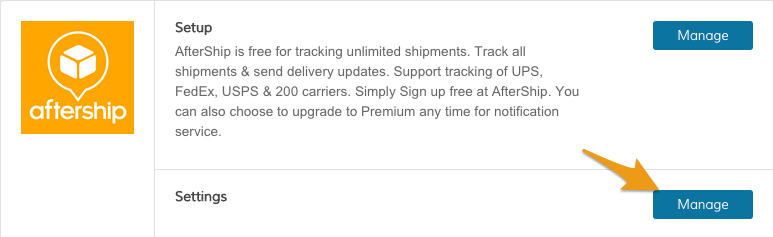
In the Apps page, from AfterShip's Settings section, click Manage.
Then, from the Account Settings section, update the following fields:
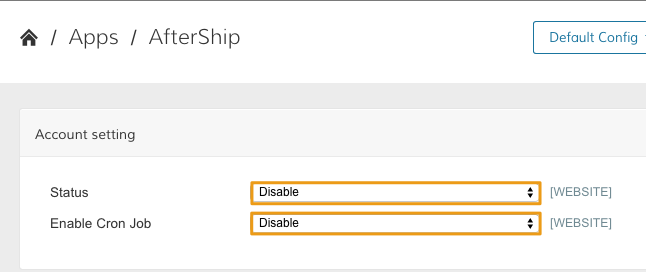
- Status - Set to Enable to make AfterShip visible on the frontend.
- Enable Cron Job - Set to Enable to allow AfterShip to automatically schedule tasks within Zoey.
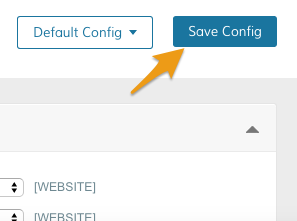
When you have finished making those updates, click Save Config.
Step 3 - Sign up for AfterShip
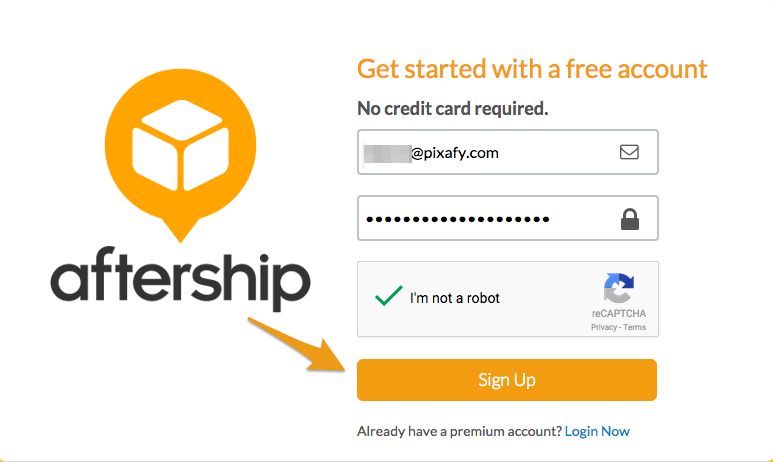
Sign up for a new account from here. You will be prompted to create your Aftership credentials.
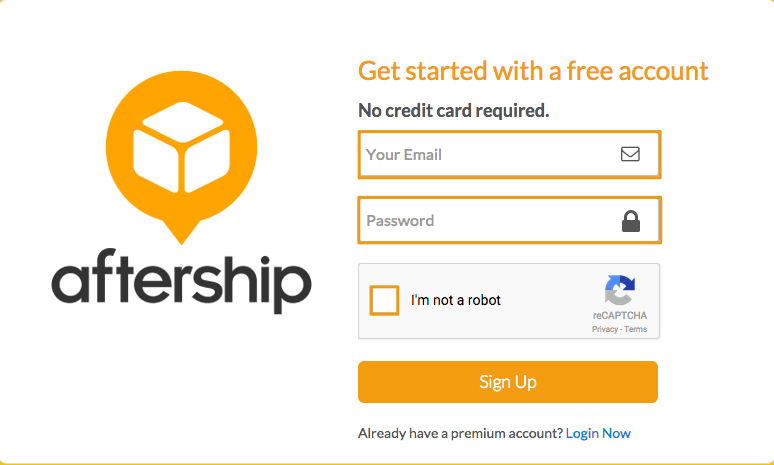
Then, click Sign Up.
Note: If you already have an Aftership account, you can login from here.
Step 4 - Select Magento from AfterShip apps
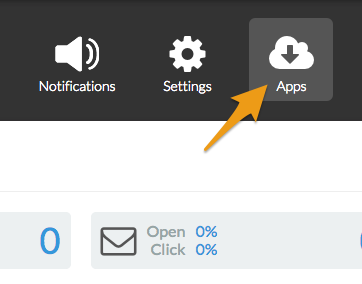
In your AfterShip dashboard, click Apps.
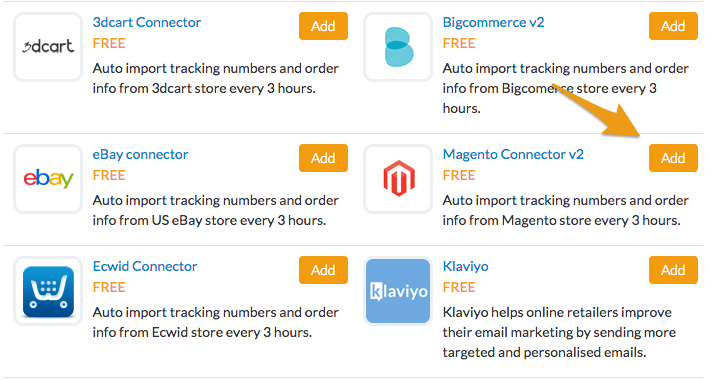
Scroll down to Magento Connector v2 and click Add.
Step 5 - Connect Zoey with AfterShip
From the Add new connection section, enter in the Magento Version and your Store URL, as well as the User Name and API Key generated from Zoey (see Step 1).
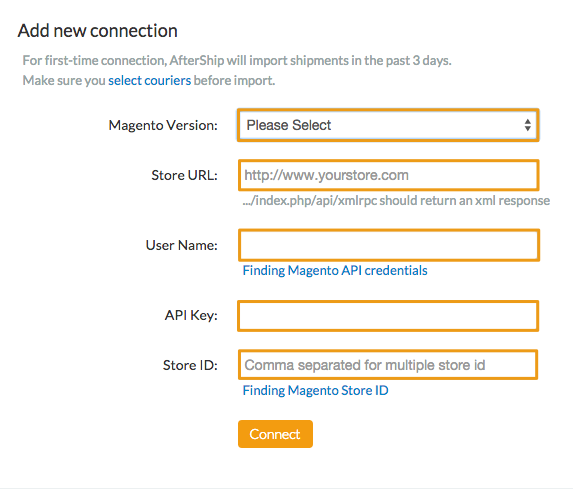
When you enter in your information, click Connect. If this is your first time connecting, AfterShip will import your last three days of shipment.
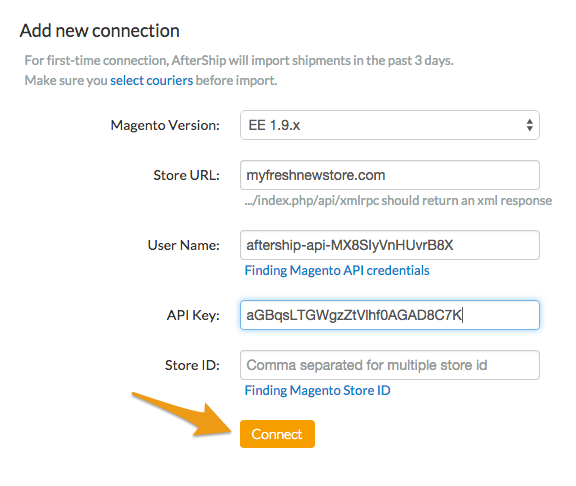
Note: Zoey's current Magento version is 1.9.0.1. Entering any version at 1.9 or above will integrate your store with Aftership.
Note: Zoey stores do not have Store IDs. This is an optional field for integration with Aftership.
Learn more about AfterShip
Aftership has an extensive knowledge base with helpful support articles on managing your Aftership account. If you have any questions about using AfterShip, you can contact their support team from here.
Comments
0 comments
Please sign in to leave a comment.