
You've customized your store, you've customized your email templates, it's sometimes easy to forget this small last step of customizing your invoices and packing slips. We've made it easy- upload your logo and you're ready to go!
From Set-up > Checkout Settings, scroll down to your Invoice and Packing Slip Design settings. From here, you can change your invoice display to include a company logo, your store address, and product images.
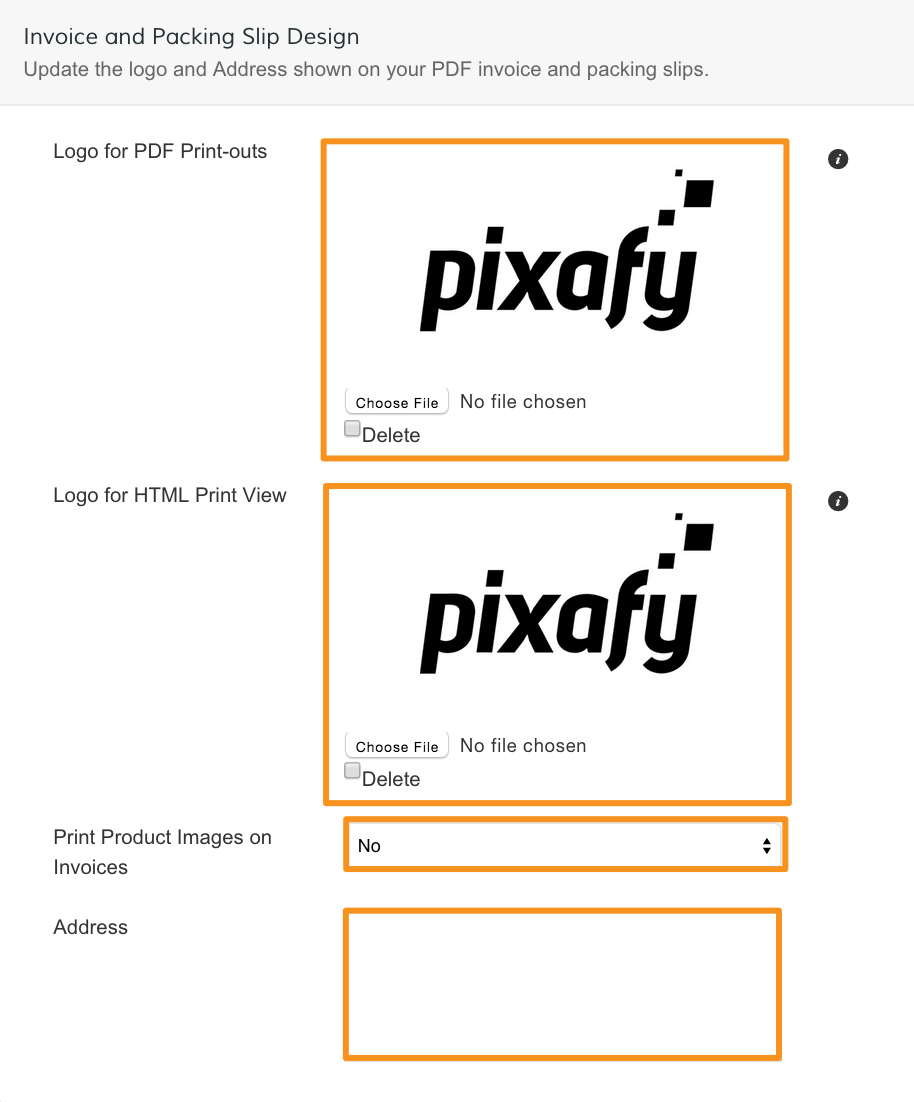
- Logo for PDF Printouts - Click Select File to add a logo image for PDF printouts of your invoice. Select Delete to delete the image.
- Logo for HTML Print View - Click Select File to add a logo image for the HTML print view of your invoice. Select Delete to delete the image.
Note: We recommend your image file is sized at 200x50 px, and that you only upload JPEG, PNG, and TIFF files.
- Print Product Images on Invoices - Select Yes to display product images on your invoice.
- Address - Enter your store address to display on invoices.
When you finish, click Save.
Comments
0 comments
Please sign in to leave a comment.