
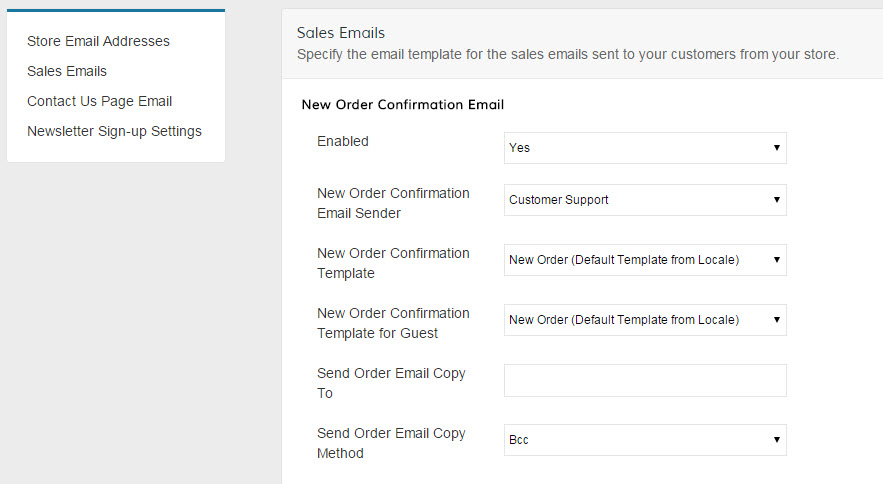
If you have different email templates for different languages, this is where you will need to configure which template gets sent for which Store View. Select a translation or store view from the "Scope" drop-down, then when the page reloads, uncheck the "use default" checkbox next to the Template drop-downs and select your new Template from the Drop-Down list.
Note: You do not need to have all Sales Process emails enabled. Most merchants disable the "Invoice" email.
Customer Emails
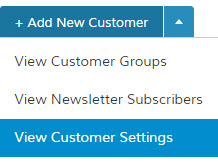
From your control panel, click on Customers and use the arrow next to Save to navigate to View Customer Settings.
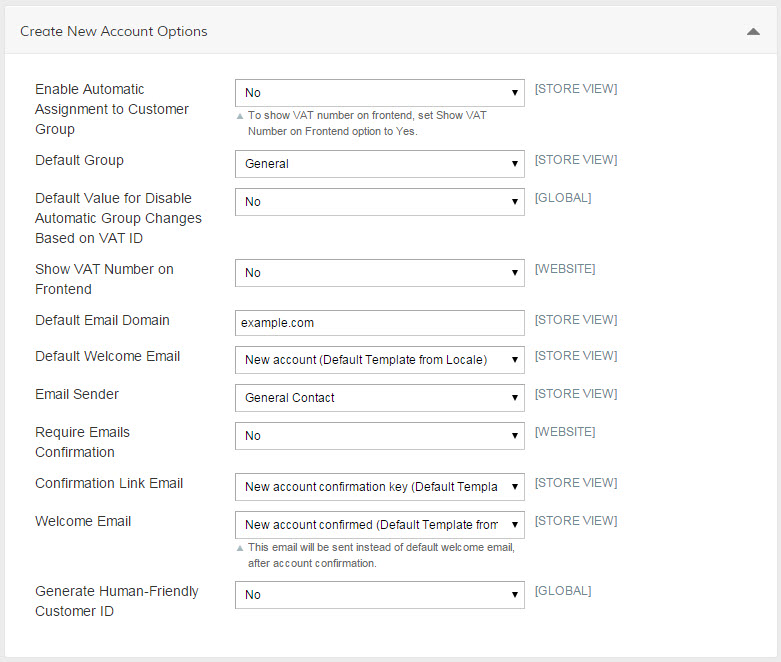
Click to expand the Create New Account Options and Password Options to set the email templates in the same manner you did for the Sales Emails.
Comments
0 comments
Please sign in to leave a comment.