
Please note this tutorial is only for our older Classic design themes and tools. For information on our new themes and how to use the updated tools, please see: Starting with Design and Advanced Design Tools.

Enter the control panel >Catalog >Categories > choose the one you wish to have the Promotional content to show in >Menu > Use the WYSIWYG to edit
Refresh store and complete!
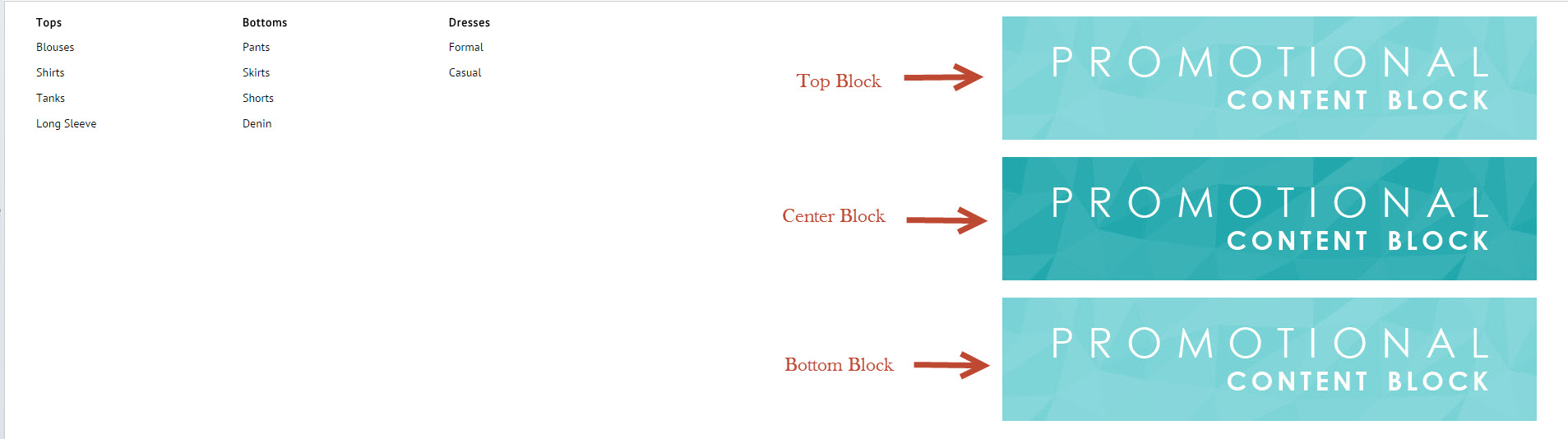
Not sure what the difference in blocks are- Top, Center or Bottom? This refers to the order that these images or text are viewed in.
Comments
0 comments
Please sign in to leave a comment.