
Please note this tutorial is only for our older Classic design themes and tools. For information on our new themes and how to use the updated tools, please see: Starting with Design and Advanced Design Tools.
A pop-up is a window that automatically displays in the foreground when visitors view your store. They can be used to advertise important information like a sale or new product, or collect customer information with newsletter sign-ups. Pop-ups are great resources for getting the attention and action of your store visitors.
1 |
Before you begin |
| 2 | Visit CSS/JavaScript page |
| 3 | Add custom code |
| 4 | Save and Refresh |
Before you begin
Adding a pop-up in Zoey usually requires HTML or Javascript; creating code is an advanced modification. However, many third party services, such as MailChimp provide custom code that can be copied from their website and pasted into your store.
Step 1 - Visit CSS/Javascript page
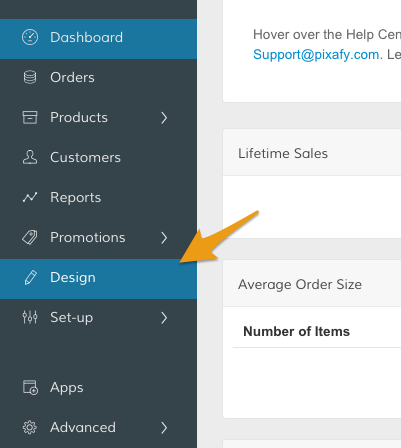
In your Control Panel, click Design.
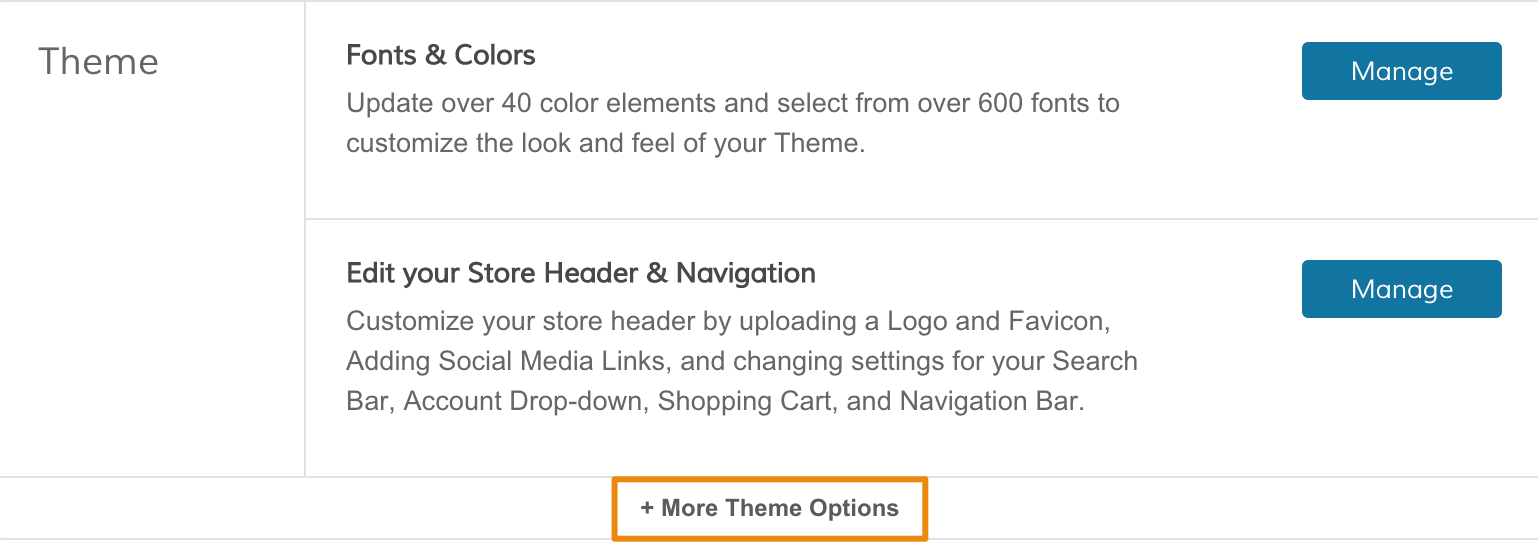
From the Theme section, click +More Theme Options to expand your customization options.
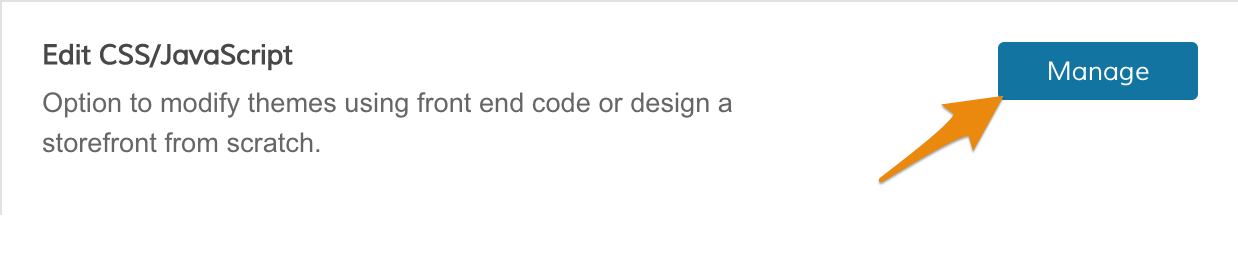
Within Edit CSS/JavaScript, click Manage.
Step 2 - Add custom code
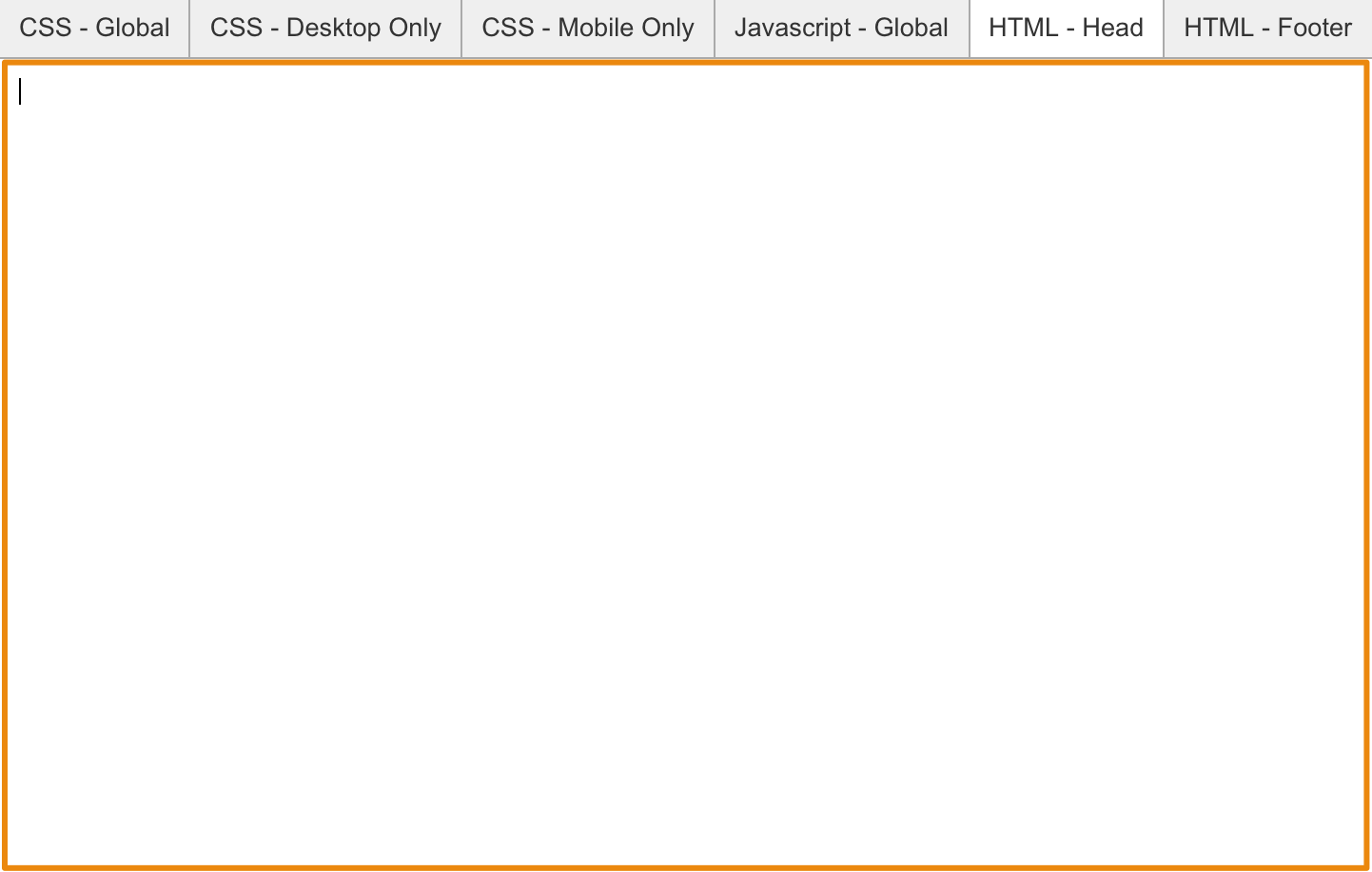
When you open up the Edit CSS/Javascript page, you will see a few different options for placing different kinds of code. If your code is written with JavaScript, use the JavaScript - Global editor. If your code is HTML based, use the HTML-Footer editor.
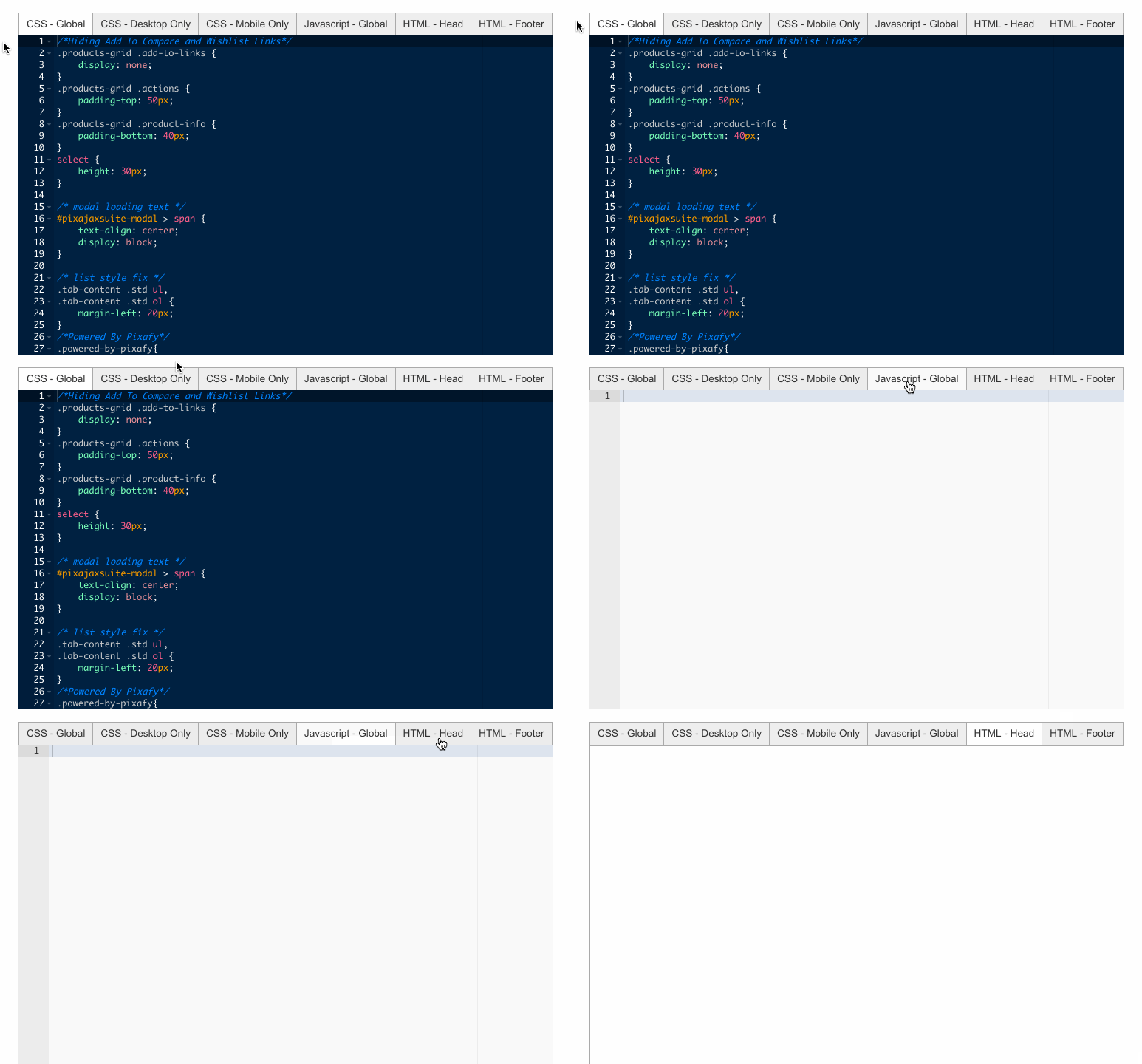
After selecting your code editor, place your code within the editor.
Step 3 - Save and Refresh
After pasting your pop-up code, click Save.
Then, in your Control Panel, hover over Advanced and select Refresh.
Comments
0 comments
Please sign in to leave a comment.