
Please note this tutorial is only for our older Classic design themes and tools. For information on our new themes and how to use the updated tools, please see: Starting with Design and Advanced Design Tools.
Selling products that require age verification? Add an Age Verification pop-up to your website with Age-Verify.com!
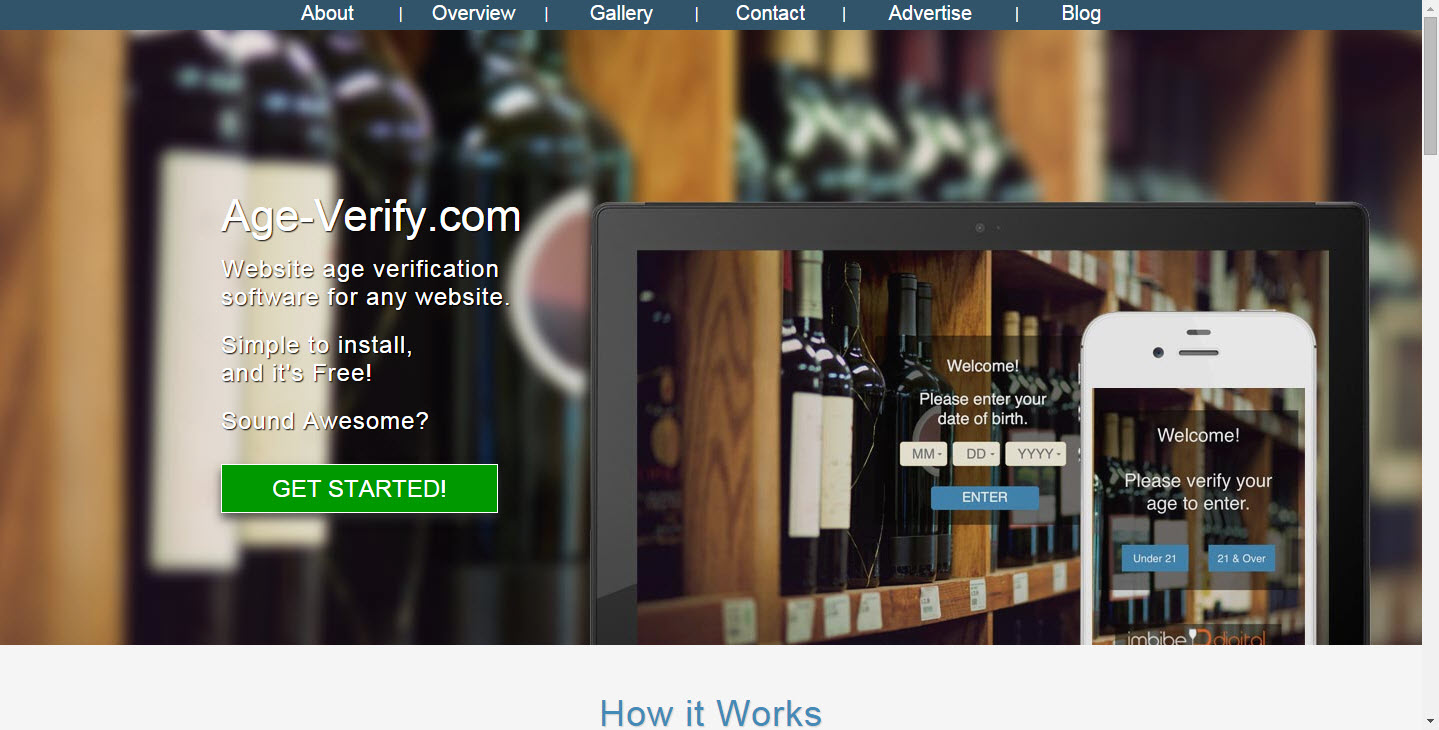
Step 1: Go to Age Verify.com
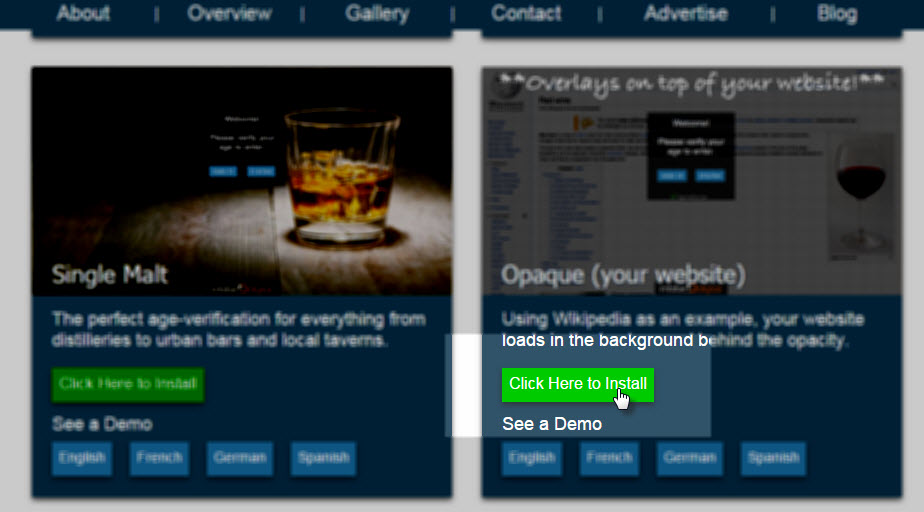
Step 2: Pick a Design to "Install"
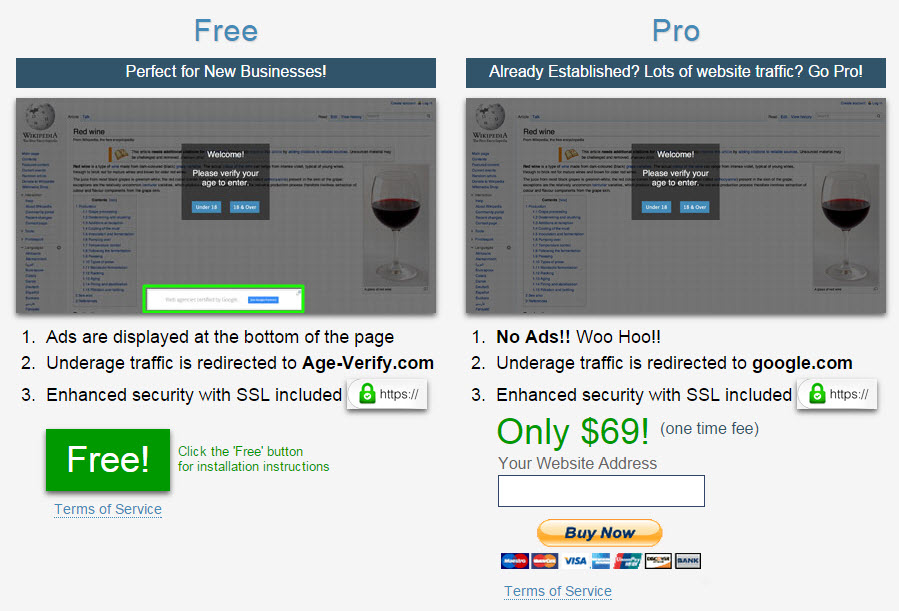
Step 3: Choose your Plan
(Note the Free version comes with Ads)
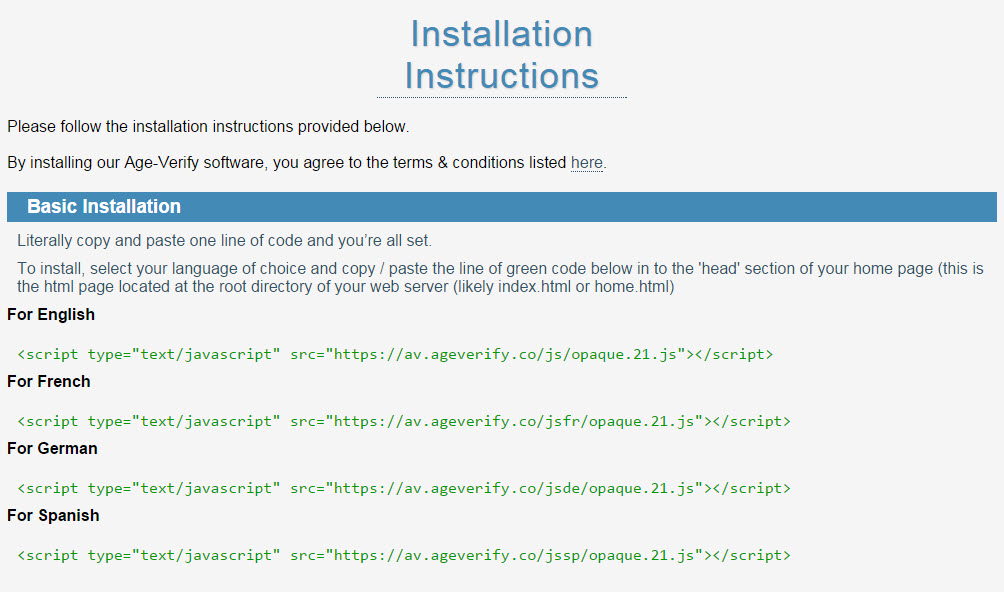
Step 4: Get the Code
Copy the code snipped of the language of your choice.
Step 5: Paste the code into Zoey
Design>Theme>Edit CSS & JS: HTML - Head
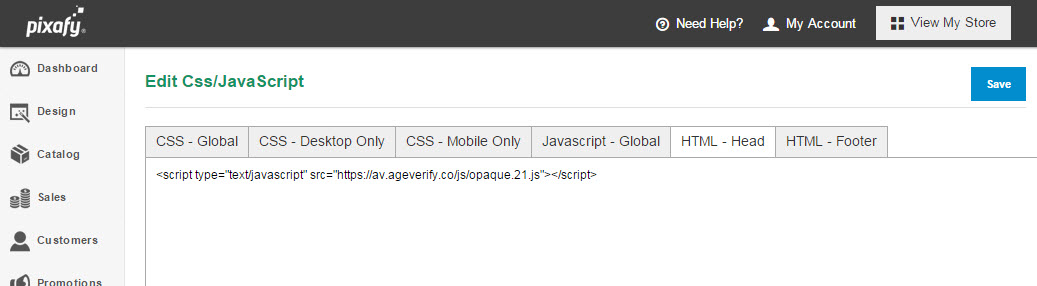
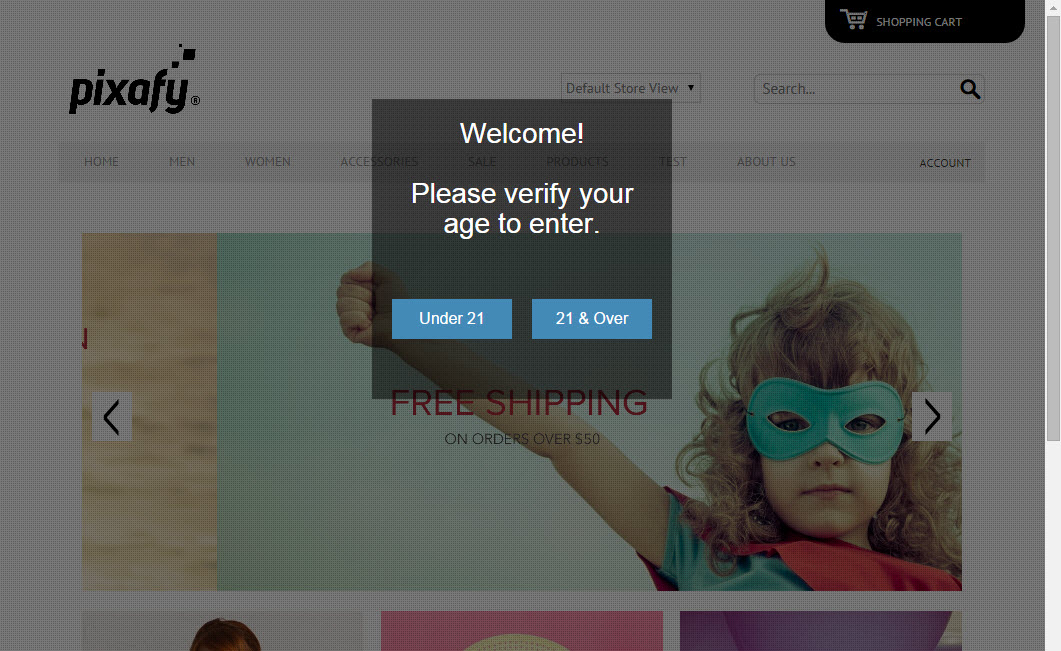
Checkout your new pop up by clicking Visit My Store!
Comments
0 comments
Please sign in to leave a comment.