
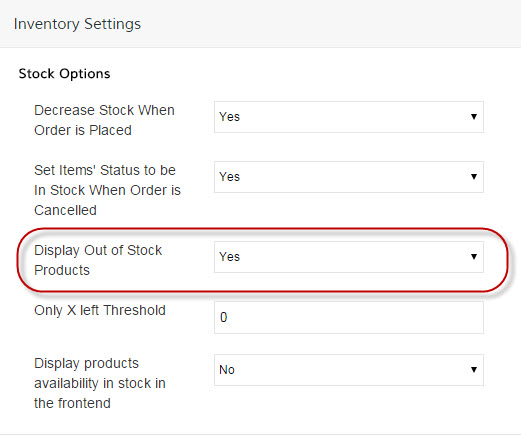
Want your customers to be able to place back orders? You'll need to start by going into your Control Panel and navigating to Products > Settings and select Inventory Settings.
Under Stock Options change Display Out of Stock Products to Yes.
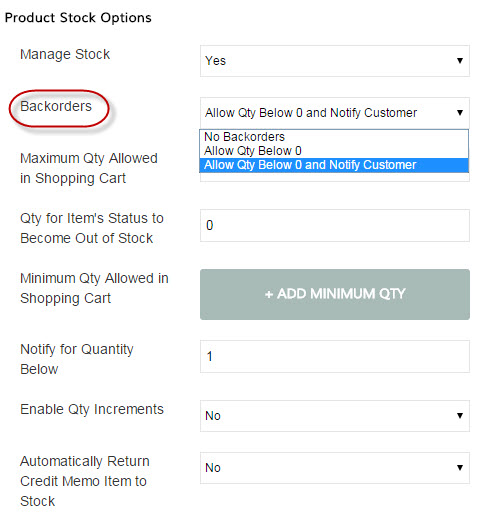
Under Product Stock Options change Backorders to Allow Qty Below 0 and choose whether or not you will notify the customer that this is a backordered item.
Save and you are done!
Comments
0 comments
Please sign in to leave a comment.