
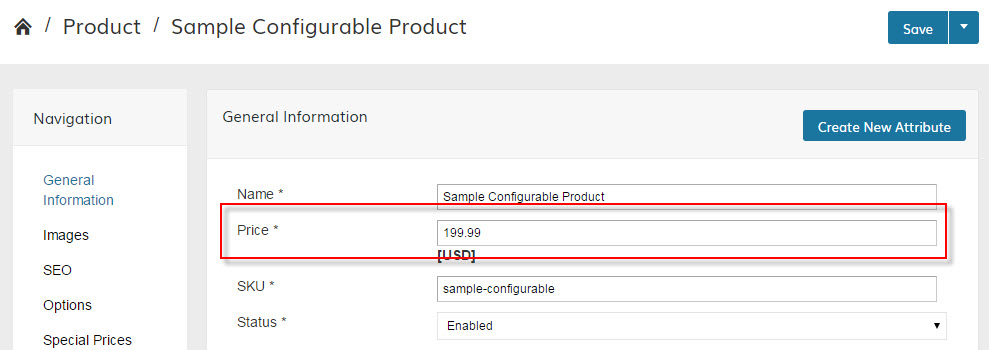
By default, the Configurable Product uses its own pricing. This is true for the product price, and Special Pricing.
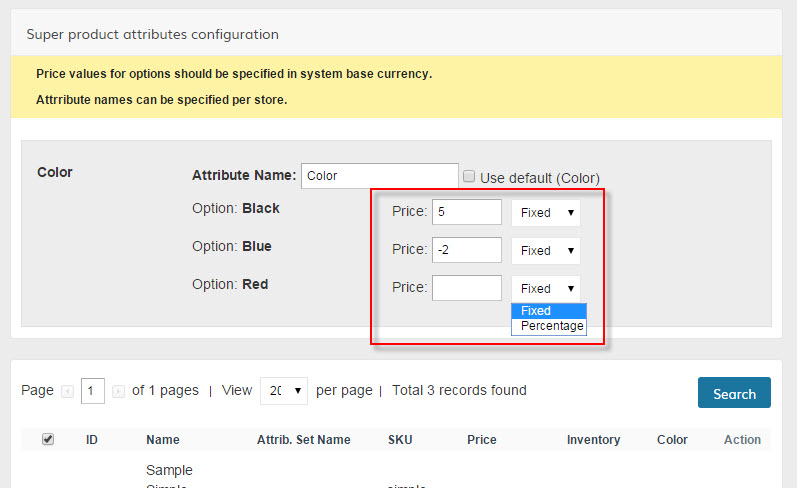
If you would like the price to change when variations of the product are selected, you can use the "Super product attributes configuration" section of the "Associated Products" tab:
ALTERNATIVELY
You can enable a new Zoey feature that will use the "simple product" pricing after the associated variation is selected on the front end.
In Products>Settings, Configurable product price, set "Use simple product prices" to YES:

After refreshing your store (Advanced>Store Refresh), your configurable products will now change prices based on the variations selected to match the price of it's associated simple product.
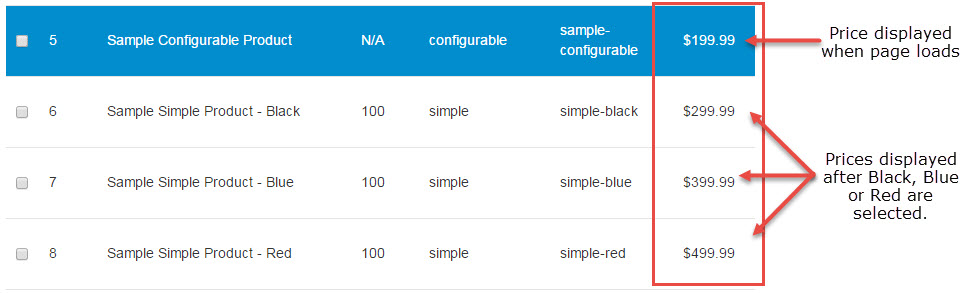
NOTE: At the moment this alternative method does not work with special pricing or sales.
Comments
1 comment
Please sign in to leave a comment.